

Resources that edify, equip, and empower disciples of Jesus to make disciples of Jesus.

Reaching the Resistant

J. Dudley Woodberry
J. Dudley Woodberry

William Carey Publishing customer support: publishing@wclbooks.com
Lumina Reader technical customer support: support@luminareader.com

Getting Started

How do I purchase an eBook?
  • Go to missionbooks.org and complete checkout with the eBook(s) you would like to purchase.
  • You will receive an order confirmation email from missionbooks.org.
  • You will also receive an email with instructions for accessing your eBooks in the Lumina app.

Check your spam folder if you do not see the login code. If you do not receive the second email, contact publishing@wclbooks.com.

International users receive regional pricing when purchasing through missionbooks.org rather than through an in-app purchase.

What devices can I access my eBooks on?
  • iPhone and iPad running iOS 15.5 or later
  • Android phones and tablets running Android 8.0 or later
  • macOS desktops and laptops, using the iOS app
  • Any device with a web browser at Lumina Reader web platform

Older devices may run more slowly. Keep your device and app up to date for the best experience.

How do I download the Lumina Reader app?

Search for “Lumina Reader” in the Apple App Store or Google Play Store. Log in using the same email address you used at missionbooks.org. The app is not compatible with Amazon Kindle devices.

How do I log in to the Lumina Reader app?

Lumina Reader uses passwordless login.

  1. Open the Lumina Reader app.
  2. Enter the email address used at missionbooks.org.
  3. Check your email for a six-digit login code.
  4. Enter the code in the app.

You will remain logged in and retain access to your eBooks. If you log out, your library, reading progress, notes, and highlights remain saved, but you will need to download your eBooks again.

I can’t see my eBooks. What can I do?

Your eBooks should appear automatically when you log in with the email used at missionbooks.org. If they do not:

  • Confirm that you are using the correct email address. You can find the signed-in address on the Profile page.
  • Pull down from the top of the library screen to refresh it.
  • Update Lumina Reader through your device’s app store.

If your resources still do not appear, contact Lumina Customer Service.

Is there a Windows app for Lumina?

There is currently no Windows app. Windows users can access their eBooks through the Lumina Reader web platform.

Is there an Apple app for Lumina?

Yes. Lumina Reader is available in the Apple App Store for Mac, iPhone, and iPad.

Can the Lumina Reader app read the book aloud?

Yes. With an eBook open, tap the center of the screen to show settings. Select the megaphone icon in the top bar to read the current page aloud.

This feature is not available in the web-browser version.

Can I change the font size?

Yes. You can change font size, line height, and page margins in profile settings or within an eBook. While reading, tap the top center of the screen and select the “T” icon.

Web Version

How do I access the web version?
  1. Open Safari, Chrome, Firefox, or another preferred browser.
  2. Go to hub.luminareader.com.
  3. Log in with the email address used at missionbooks.org.
  4. Enter the six-digit code sent to your email.

Once logged in, you will have access to your eBooks.

How do I troubleshoot the web version?
  • Make sure you have a stable internet connection.
  • Clear your browser cache and cookies.
  • Use a current version of Safari, Chrome, or Firefox.
  • Confirm you are using the same email address used to purchase your eBooks.
  • Refresh your browser.

If problems persist, contact customer service.

App & Device Support

Can I download my content to multiple devices?

Yes. You can use Lumina Reader on up to six devices at the same time, provided you log in with the email address used to purchase the eBook.

To manage devices, go to Account → Registered devices in the app and unlink devices you no longer use.

  1. Install Lumina Reader from your device’s app store.
  2. Log in with the same purchase email address.
  3. Your library should sync automatically.

If access issues continue, refresh your library or log out and back in with the correct email address.

How do I check for the latest Lumina Reader app version?
  • On Apple devices, open the App Store and search for Lumina Reader.
  • On Android devices, open Google Play and search for Lumina Reader.

If an update is available, select Update. If issues remain, try deleting and reinstalling the app. Your eBooks and reading progress are saved to your account, but you will need to download the eBooks again.

How do I delete my Lumina Reader account?

Warning: Deleting your account is permanent. You will lose access to your account activity, preferences, and eBooks.

  1. Open the Lumina Reader app.
  2. Open the Profile tab in the lower-right corner, then select Account.
  3. Scroll to the bottom, select Delete account, confirm the checkboxes, then select Continue and delete account.

Some information may be retained for lawful reasons, including fraud prevention and accounting.

Can I get a refund for an eBook?

If you ordered an eBook by mistake, do not download it in the Lumina app. William Carey Publishing can then cancel the order and issue a full refund.

If you have downloaded it, access can still be removed and the order cancelled, but processing may take longer.

Can I buy an eBook as a gift for someone else?
  • Enter the recipient’s email address when purchasing the book.
  • The recipient will receive an email with download instructions.
  • For multiple recipients, purchase each book separately using each recipient’s email address.
The lands where Muslims and Christians have encountered each other are littered with the ruins of fortresses. Each faith community has built barriers to keep out the other faith, who were regarded as enemies. Each used gates or bridges to control access from inside.

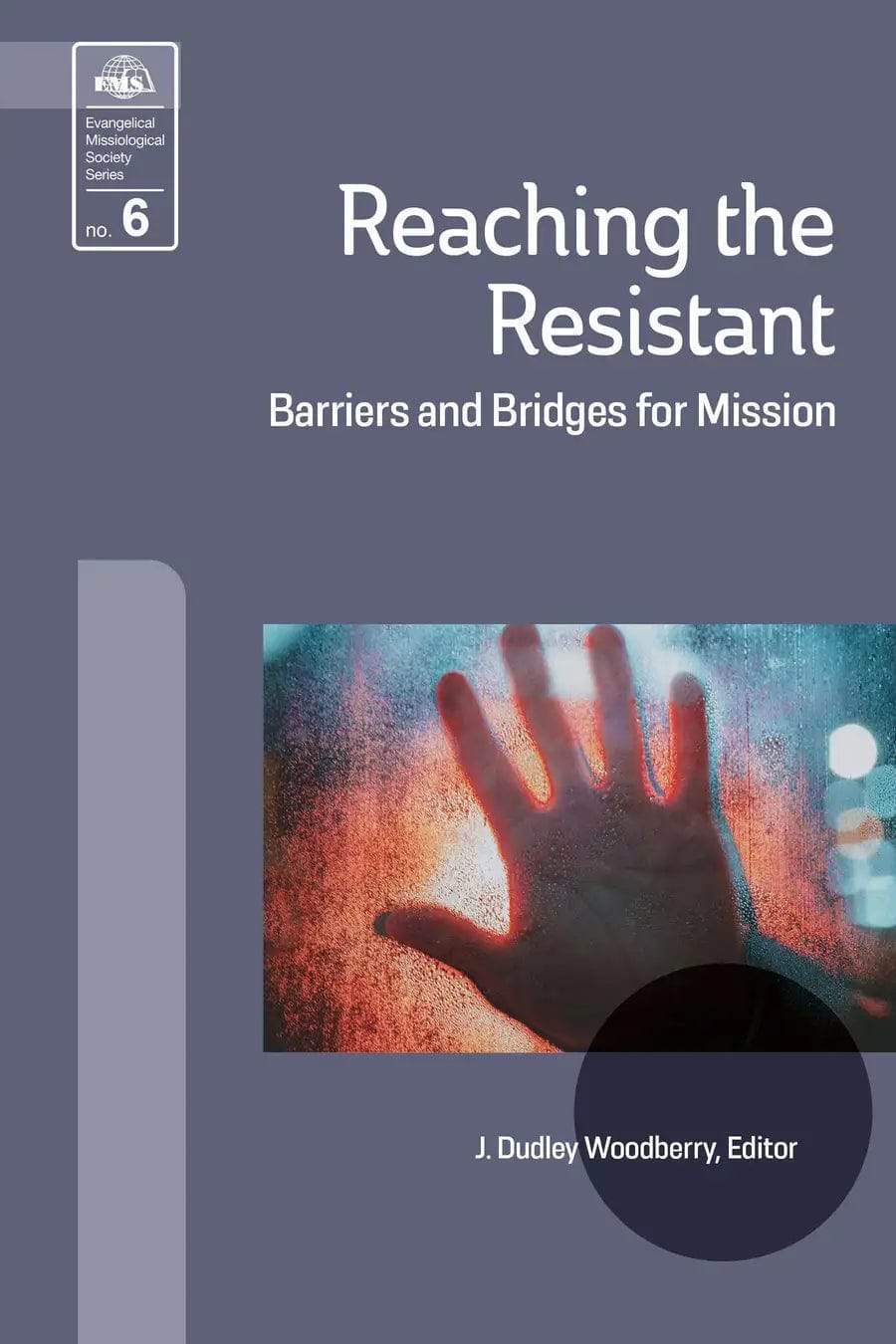
The present studies look at the barriers erected by peoples considered resistant to the gospel and the bridges God is using to bring the gospel to them. The first part reflects on such issues related to these barriers. What do we mean by resistant? Why are some people groups resistant to the gospel? What is God's role? Should missionaries focus on the least reached or the most receptive? What degree of contextualization is legitimate? Above all, how should we understand resistance and receptivity biblically and theologically? The next part analyzes representative case studies that exhibit many of the barriers, such as those involved in Judaism, Islam, the Japanese, and post-Christendom Europe. Finally, parts three and four focus on finding and building bridges over these barriers and preparing bridges for the future.

Christians did overcome the barriers and cross the bridge into the Muslim Alhambra, yet the Catholic monarchs entering the palaces were greeted by the motto on the wall, “There is no conqueror but God.” We would do well to remember these words as we seek to cross bridges to the resistant, not by the force of arms, but by “love and prayers in the pouring out of tears and blood.”

Evangelical Missiological Society Book 6

Preface: Barriers and Bridges - J. Dudley Woodberry

Author Profiles

Part I - Foundational Issues: Reflecting on the Barriers

  • 1. Raising Questions about the Resistant - Michael Pocock
  • 2. Revising Assumptions about the Resistant - Gary Corwin
  • 3. Reflecting Theologically about the Resistant - Charles Van Engen

Part II - Case Studies: Encountering the Barriers

  • 4. Encountering Jewish Resistance - David Brickner
  • 5. Encountering Muslim Resistance - Kevin Higgins
  • 6. Encountering Japanese Resistance - Stan Conrad
  • 7. Encountering Post-Christendom Resistance - David Bjork

Part III - Means of Overcoming: Finding and Building Bridges

  • 8. Overcoming Resistance through Martyrdom - Karen L. White
  • 9. Overcoming Resistance through Prayer - John D. Robb
  • 10. Overcoming Resistance through the Paranormal - Sobhi Malek
  • 11. Overcoming Resistance through Tentmaking - Gary Ginter

Part IV - Preparing for the Future: Planning Bridges

  • 12. Equipping Missionaries for the Restraint - Timothy C. Tennent
  • 13. Global Planning for the Resistant - Luis Bush

Index

Author

  • Pages: 266
  • Publisher: William Carey Publishing
    William Carey Publishing
  • Binding: Paperback
  • Publish Year: 1998
  • ISBN: 9781645085195
  • Vendor: William Carey Library
Cannot place order, conditions not met:
OK