
Resources that edify, equip, and empower disciples of Jesus to make disciples of Jesus.

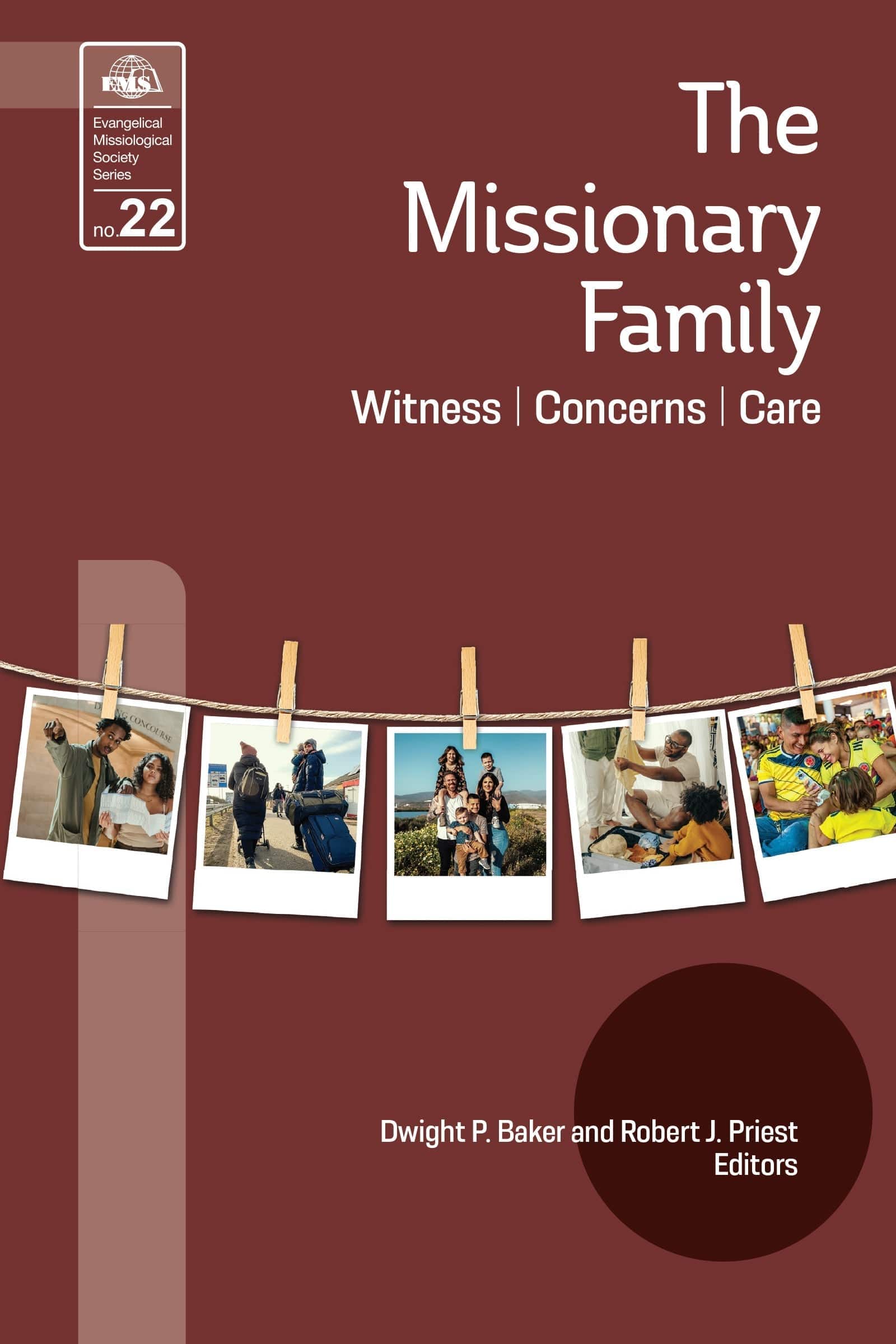
The Missionary Family

Witness, Concerns, Care
Dwight P. Baker and Robert J. Priest

William Carey Publishing customer support: publishing@wclbooks.com
Lumina Reader technical customer support: support@luminareader.com

Getting Started

How do I purchase an eBook?
  • Go to missionbooks.org and complete checkout with the eBook(s) you would like to purchase.
  • You will receive an order confirmation email from missionbooks.org.
  • You will also receive an email with instructions for accessing your eBooks in the Lumina app.

Check your spam folder if you do not see the login code. If you do not receive the second email, contact publishing@wclbooks.com.

International users receive regional pricing when purchasing through missionbooks.org rather than through an in-app purchase.

What devices can I access my eBooks on?
  • iPhone and iPad running iOS 15.5 or later
  • Android phones and tablets running Android 8.0 or later
  • macOS desktops and laptops, using the iOS app
  • Any device with a web browser at Lumina Reader web platform

Older devices may run more slowly. Keep your device and app up to date for the best experience.

How do I download the Lumina Reader app?

Search for “Lumina Reader” in the Apple App Store or Google Play Store. Log in using the same email address you used at missionbooks.org. The app is not compatible with Amazon Kindle devices.

How do I log in to the Lumina Reader app?

Lumina Reader uses passwordless login.

  1. Open the Lumina Reader app.
  2. Enter the email address used at missionbooks.org.
  3. Check your email for a six-digit login code.
  4. Enter the code in the app.

You will remain logged in and retain access to your eBooks. If you log out, your library, reading progress, notes, and highlights remain saved, but you will need to download your eBooks again.

I can’t see my eBooks. What can I do?

Your eBooks should appear automatically when you log in with the email used at missionbooks.org. If they do not:

  • Confirm that you are using the correct email address. You can find the signed-in address on the Profile page.
  • Pull down from the top of the library screen to refresh it.
  • Update Lumina Reader through your device’s app store.

If your resources still do not appear, contact Lumina Customer Service.

Is there a Windows app for Lumina?

There is currently no Windows app. Windows users can access their eBooks through the Lumina Reader web platform.

Is there an Apple app for Lumina?

Yes. Lumina Reader is available in the Apple App Store for Mac, iPhone, and iPad.

Can the Lumina Reader app read the book aloud?

Yes. With an eBook open, tap the center of the screen to show settings. Select the megaphone icon in the top bar to read the current page aloud.

This feature is not available in the web-browser version.

Can I change the font size?

Yes. You can change font size, line height, and page margins in profile settings or within an eBook. While reading, tap the top center of the screen and select the “T” icon.

Web Version

How do I access the web version?
  1. Open Safari, Chrome, Firefox, or another preferred browser.
  2. Go to hub.luminareader.com.
  3. Log in with the email address used at missionbooks.org.
  4. Enter the six-digit code sent to your email.

Once logged in, you will have access to your eBooks.

How do I troubleshoot the web version?
  • Make sure you have a stable internet connection.
  • Clear your browser cache and cookies.
  • Use a current version of Safari, Chrome, or Firefox.
  • Confirm you are using the same email address used to purchase your eBooks.
  • Refresh your browser.

If problems persist, contact customer service.

App & Device Support

Can I download my content to multiple devices?

Yes. You can use Lumina Reader on up to six devices at the same time, provided you log in with the email address used to purchase the eBook.

To manage devices, go to Account → Registered devices in the app and unlink devices you no longer use.

  1. Install Lumina Reader from your device’s app store.
  2. Log in with the same purchase email address.
  3. Your library should sync automatically.

If access issues continue, refresh your library or log out and back in with the correct email address.

How do I check for the latest Lumina Reader app version?
  • On Apple devices, open the App Store and search for Lumina Reader.
  • On Android devices, open Google Play and search for Lumina Reader.

If an update is available, select Update. If issues remain, try deleting and reinstalling the app. Your eBooks and reading progress are saved to your account, but you will need to download the eBooks again.

How do I delete my Lumina Reader account?

Warning: Deleting your account is permanent. You will lose access to your account activity, preferences, and eBooks.

  1. Open the Lumina Reader app.
  2. Open the Profile tab in the lower-right corner, then select Account.
  3. Scroll to the bottom, select Delete account, confirm the checkboxes, then select Continue and delete account.

Some information may be retained for lawful reasons, including fraud prevention and accounting.

Can I get a refund for an eBook?

If you ordered an eBook by mistake, do not download it in the Lumina app. William Carey Publishing can then cancel the order and issue a full refund.

If you have downloaded it, access can still be removed and the order cancelled, but processing may take longer.

Can I buy an eBook as a gift for someone else?
  • Enter the recipient’s email address when purchasing the book.
  • The recipient will receive an email with download instructions.
  • For multiple recipients, purchase each book separately using each recipient’s email address.

Lifting Up a Vision of Holiness

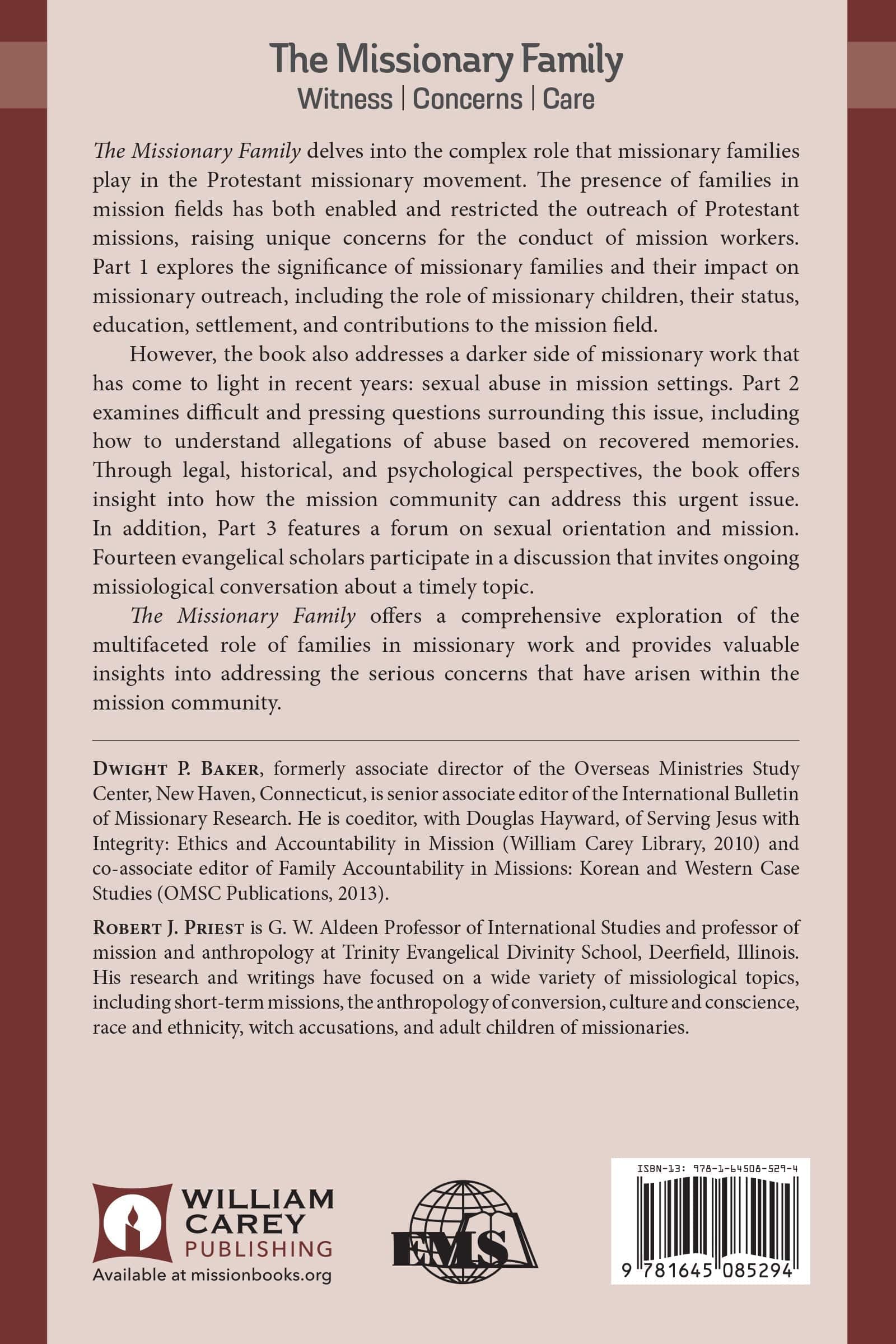
The Missionary Family delves into the complex role that missionary families play in the Protestant missionary movement. The presence of families in mission fields has both enabled and restricted the outreach of Protestant missions, raising unique concerns for the conduct of mission workers. Part 1 explores the significance of missionary families and their impact on missionary outreach, including the role of missionary children, their status, education, settlement, and contributions to the mission field.

However, the book also addresses a darker side of missionary work that has come to light in recent years: sexual abuse in mission settings. Part 2 examines difficult and pressing questions surrounding this issue, including how to understand allegations of abuse based on recovered memories. Through legal, historical, and psychological perspectives, the book offers insight into how the mission community can address this urgent issue. In addition, Part 3 features a forum on sexual orientation and mission. Fourteen evangelical scholars participate in a discussion that invites ongoing missiological conversation about a timely topic.

The Missionary Family offers a comprehensive exploration of the multifaceted role of families in missionary work and provides valuable insights into addressing the serious concerns that have arisen within the mission community.

Evangelical Missiological Society- Book 22

Introduction by Dwight P. Baker

Part One: Families in Mission

Introduction: Families in Mission by Robert J. Priest

1 Walter and Ingrid Trobisch and a Missiology of “Couple Power” by Anneke Stasson

2 Experiencing Risk: Missionary Families in Dangerous Places by Donald Grigorenko and Margaret Grigorenko

3 The Family and Missions: Reflections from the Life of a U.S. Missionary by Jerry Rankin

4 Caring for the Parents of Missionaries: A Case Study of Global Bible Translators by Sunny Hong

5 The “Family Problem”: Challenges in Balancing Maternity and Mission in Nineteenth-Century Equatorial Africa by Mary Carol Cloutier

6 William Carey’s Vision for Missionary Families by Andrew D. McFarland

Part Two: Responding to MK Sexual Abuse and to Reports of Abuse Based on Recovered Memories

Introduction: Responding to MK Sexual abuse and to reports of abuse Based on recovered Memories by Robert J. Priest

7 Getting It Right, Healing the Wrong: Legal Issues in Protecting Children and Organizations from Child Sexual Abuse by Theresa Lynn Sidebotham

8 Out of the Past: Assessing Historical Reports of Sexual Abuse by Philip Jenkins

9 Recovered Memories and Accusations of Sexual Abuse: A Review of Scientific Research Relevant to Missionary Contexts by David R. Dunaetz

10 Malleability of Memory: Evaluating Testimony and Accusations within the Mission Community by Raymond Phinney

Part Three: Forum on Sexual Orientation and Mission: An Evangelical Discussion

Introduction: Forum on Sexual Orientation and Mission: An Evangelical Discussion by Dwight P. Baker

11 Gay and Lesbian Christians: Framing Questions and Clarifying the Debate about a Place in Church and Mission for Evangelical LGBTQ Youth by Sherwood G. Lingenfelter

12 Lingenfelter Raises Questions Other than those He Has Stated by Andrew J. B. Cameron

13 Same-Sex relationships: Toward an Old Testament Orientation by M. Daniel Carroll R.

14 Rrgent Question, but with Marked Reservations by Graham A. Cole .

15 Asking the Bible for Answers to Questions It Does Not Ask by John Goldingay

16 Experience at the Heart of the Matter by Joshua W. Jipp

17 The Church’s Definitive Teaching by Stanton L. Jones

18 The Impact of Contemporary Trends in Sexuality on Mission Agencies by Phillip Marshall

19 A complex Multilevel Issue by Craig Ott

20 Exploring Conversations on Same-Sex Attraction by Jenell Paris

21 Breaking the Evangelical Silence on Sex—With Clarity by Kersten Bayt Priest

22 Additional Questions by Steven C. Roy

23 Widening the Field of Vision by Michael A. Rynkiewich

24 The View from a University President’s Office by David Wright

25 Tensions between “What Should Be ” and “What Is”: A Response by Sherwood G. Lingenfelter

Bibliography

Contributors

General Index

Scripture Index

Authors

  • Dwight P. Baker
  • Robert J. Priest
  • Pages: 350
  • Publisher: William Carey Publishing
    William Carey Publishing
  • Binding: Paperback
  • Publish Year: 2014
  • ISBN: 9781645085294
  • Vendor: William Carey Publishing
Cannot place order, conditions not met:
OK