

Resources that edify, equip, and empower disciples of Jesus to make disciples of Jesus.

Against the Tide (EMS 27)

Mission Amidst the Global Currents of Secularization (EMS 27)
W. Jay Moon and Craig Ott
Craig Ott

Craig Ott (PhD Trinity Evangelical Divinity School) is professor of mission and intercultural studies at Trinity Evangelical Divinity School, where he also directs the PhD program in intercultural studies. He is author and editor of numerous publications including most recently The Church on Mission: A Biblical Vision for Transformation among All People.

, Editors

William Carey Publishing customer support: publishing@wclbooks.com
Lumina Reader technical customer support: support@luminareader.com

Getting Started

How do I purchase an eBook?
  • Go to missionbooks.org and complete checkout with the eBook(s) you would like to purchase.
  • You will receive an order confirmation email from missionbooks.org.
  • You will also receive an email with instructions for accessing your eBooks in the Lumina app.

Check your spam folder if you do not see the login code. If you do not receive the second email, contact publishing@wclbooks.com.

International users receive regional pricing when purchasing through missionbooks.org rather than through an in-app purchase.

What devices can I access my eBooks on?
  • iPhone and iPad running iOS 15.5 or later
  • Android phones and tablets running Android 8.0 or later
  • macOS desktops and laptops, using the iOS app
  • Any device with a web browser at Lumina Reader web platform

Older devices may run more slowly. Keep your device and app up to date for the best experience.

How do I download the Lumina Reader app?

Search for “Lumina Reader” in the Apple App Store or Google Play Store. Log in using the same email address you used at missionbooks.org. The app is not compatible with Amazon Kindle devices.

How do I log in to the Lumina Reader app?

Lumina Reader uses passwordless login.

  1. Open the Lumina Reader app.
  2. Enter the email address used at missionbooks.org.
  3. Check your email for a six-digit login code.
  4. Enter the code in the app.

You will remain logged in and retain access to your eBooks. If you log out, your library, reading progress, notes, and highlights remain saved, but you will need to download your eBooks again.

I can’t see my eBooks. What can I do?

Your eBooks should appear automatically when you log in with the email used at missionbooks.org. If they do not:

  • Confirm that you are using the correct email address. You can find the signed-in address on the Profile page.
  • Pull down from the top of the library screen to refresh it.
  • Update Lumina Reader through your device’s app store.

If your resources still do not appear, contact Lumina Customer Service.

Is there a Windows app for Lumina?

There is currently no Windows app. Windows users can access their eBooks through the Lumina Reader web platform.

Is there an Apple app for Lumina?

Yes. Lumina Reader is available in the Apple App Store for Mac, iPhone, and iPad.

Can the Lumina Reader app read the book aloud?

Yes. With an eBook open, tap the center of the screen to show settings. Select the megaphone icon in the top bar to read the current page aloud.

This feature is not available in the web-browser version.

Can I change the font size?

Yes. You can change font size, line height, and page margins in profile settings or within an eBook. While reading, tap the top center of the screen and select the “T” icon.

Web Version

How do I access the web version?
  1. Open Safari, Chrome, Firefox, or another preferred browser.
  2. Go to hub.luminareader.com.
  3. Log in with the email address used at missionbooks.org.
  4. Enter the six-digit code sent to your email.

Once logged in, you will have access to your eBooks.

How do I troubleshoot the web version?
  • Make sure you have a stable internet connection.
  • Clear your browser cache and cookies.
  • Use a current version of Safari, Chrome, or Firefox.
  • Confirm you are using the same email address used to purchase your eBooks.
  • Refresh your browser.

If problems persist, contact customer service.

App & Device Support

Can I download my content to multiple devices?

Yes. You can use Lumina Reader on up to six devices at the same time, provided you log in with the email address used to purchase the eBook.

To manage devices, go to Account → Registered devices in the app and unlink devices you no longer use.

  1. Install Lumina Reader from your device’s app store.
  2. Log in with the same purchase email address.
  3. Your library should sync automatically.

If access issues continue, refresh your library or log out and back in with the correct email address.

How do I check for the latest Lumina Reader app version?
  • On Apple devices, open the App Store and search for Lumina Reader.
  • On Android devices, open Google Play and search for Lumina Reader.

If an update is available, select Update. If issues remain, try deleting and reinstalling the app. Your eBooks and reading progress are saved to your account, but you will need to download the eBooks again.

How do I delete my Lumina Reader account?

Warning: Deleting your account is permanent. You will lose access to your account activity, preferences, and eBooks.

  1. Open the Lumina Reader app.
  2. Open the Profile tab in the lower-right corner, then select Account.
  3. Scroll to the bottom, select Delete account, confirm the checkboxes, then select Continue and delete account.

Some information may be retained for lawful reasons, including fraud prevention and accounting.

Can I get a refund for an eBook?

If you ordered an eBook by mistake, do not download it in the Lumina app. William Carey Publishing can then cancel the order and issue a full refund.

If you have downloaded it, access can still be removed and the order cancelled, but processing may take longer.

Can I buy an eBook as a gift for someone else?
  • Enter the recipient’s email address when purchasing the book.
  • The recipient will receive an email with download instructions.
  • For multiple recipients, purchase each book separately using each recipient’s email address.

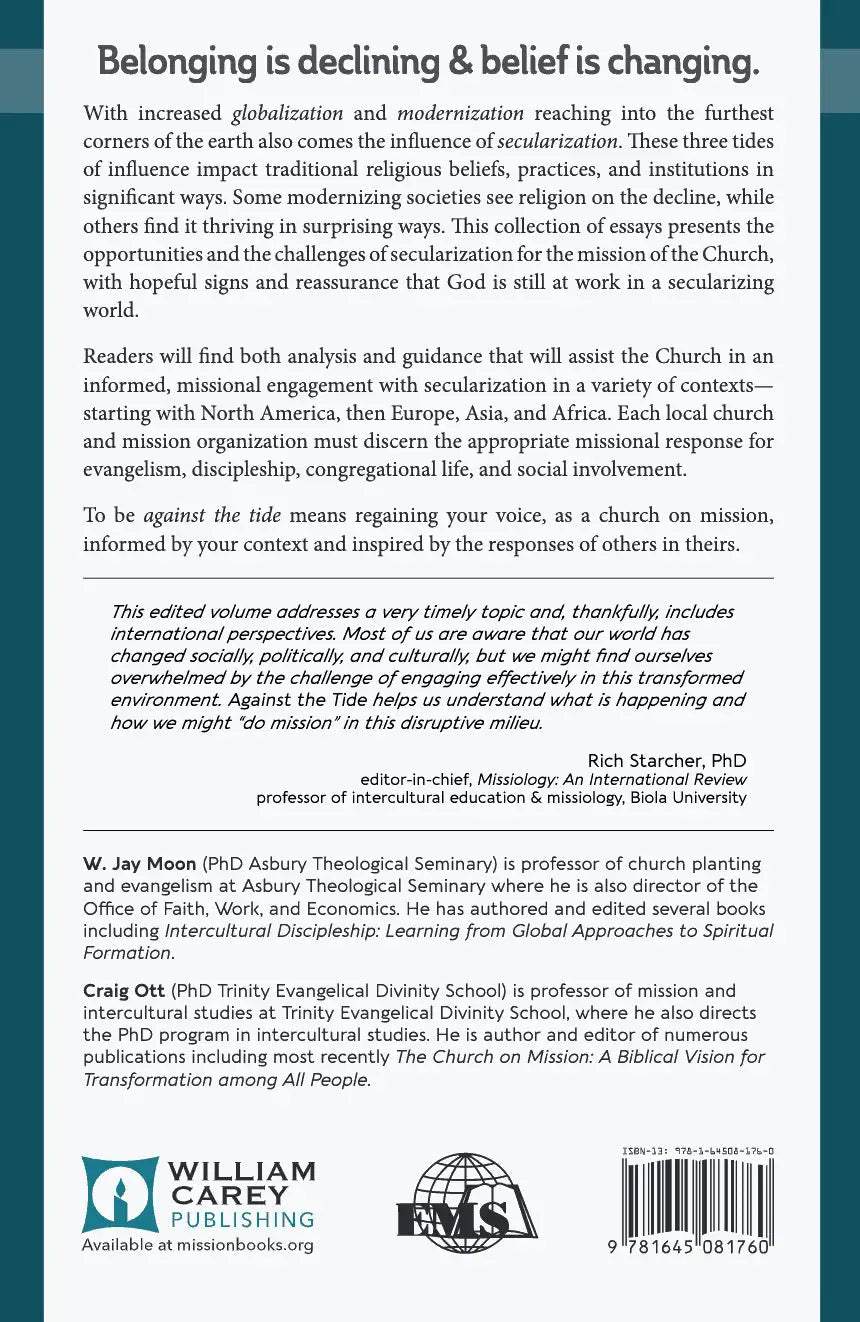
Belonging is declining & belief is changing.

With increased globalization and modernization reaching into the furthest corners of the earth also comes the influence of secularization. These three tides of influence impact traditional religious beliefs, practices, and institutions in significant ways. Some modernizing societies see religion on the decline, while others find it thriving in surprising ways. This collection of essays presents the opportunities and the challenges of secularization for the mission of the Church, with hopeful signs and reassurance that God is still at work in a secularizing world.

Readers will find both analysis and guidance that will assist the Church in an informed, missional engagement with secularization in a variety of contexts—starting with North America, then Europe, Asia, and Africa. Each local church and mission organization must discern the appropriate missional response for evangelism, discipleship, congregational life, and social involvement.

To be “against the tide” means regaining your voice, as a church on mission, informed by your context and inspired by the responses of others in theirs.


  • This edited volume addresses a very timely topic and, thankfully, includes international perspectives. Most of us are aware that our world has changed socially, politically, and culturally, but we might find ourselves overwhelmed by the challenge of engaging effectively in this transformed environment. Against the Tide helps us understand what is happening and how we might “do mission” in this disruptive milieu.
    — Rich Starcher, PhD, 

INTRODUCTION-Craig Ott

GLOSSARY: Key Terms Related to Secularization

CHAPTER 1—Secularization, Multiple Modernities, and Religion-Harold A. Netland

CHAPTER 2—Embracing Plurality: The Opportunity of Secularization-Shawn P. Behan

CHAPTER 3—Engaging the Secular Mind: An Urgent Call to the American Church-Raphael Anzenberger

CHAPTER 4—Evangelism in a Secular Age: Complexities and Opportunities-Jay Moon

CHAPTER 5—Against the Tide: Churches Reaching Emerging Adult “Nones” and “Dones” in Secularizing North America-Beth Seversen

CHAPTER 6—(Re)Connecting with Secular Society-Steve Thrall

CHAPTER 7—Germany’s Refugee Response: Implications for Ministry in a Secularized World-Steven B. Kern

CHAPTER 8—Mission and Evangelism in the Desecularizing World of the Russian Federation-Marc T. Canner

CHAPTER 9—A Chinese Modernity: What Feng Shui, Ancestors, Mazu, Buddhism, and Mao Can Teach Us about a Different Kind of Secularization-Tony Chih-Chao Chuang      

CHAPTER 10—Toward What End?: An Evaluation of Religion in Liberia’s Public Sphere and Its Implications for Evangelism and Discipleship-Boye-Nelson Kiamu

Contributors

Authors

  • W. Jay Moon
  • Craig Ott
    Craig Ott

    Craig Ott (PhD Trinity Evangelical Divinity School) is professor of mission and intercultural studies at Trinity Evangelical Divinity School, where he also directs the PhD program in intercultural studies. He is author and editor of numerous publications including most recently The Church on Mission: A Biblical Vision for Transformation among All People.

  • Pages: 226
  • Publisher: William Carey Publishing
    William Carey Publishing
  • Binding: paperback
  • Publish Year: 2019
  • ISBN: 9781645081760
  • Vendor: William Carey Publishing
Cannot place order, conditions not met:
OK