
Resources that edify, equip, and empower disciples of Jesus to make disciples of Jesus.

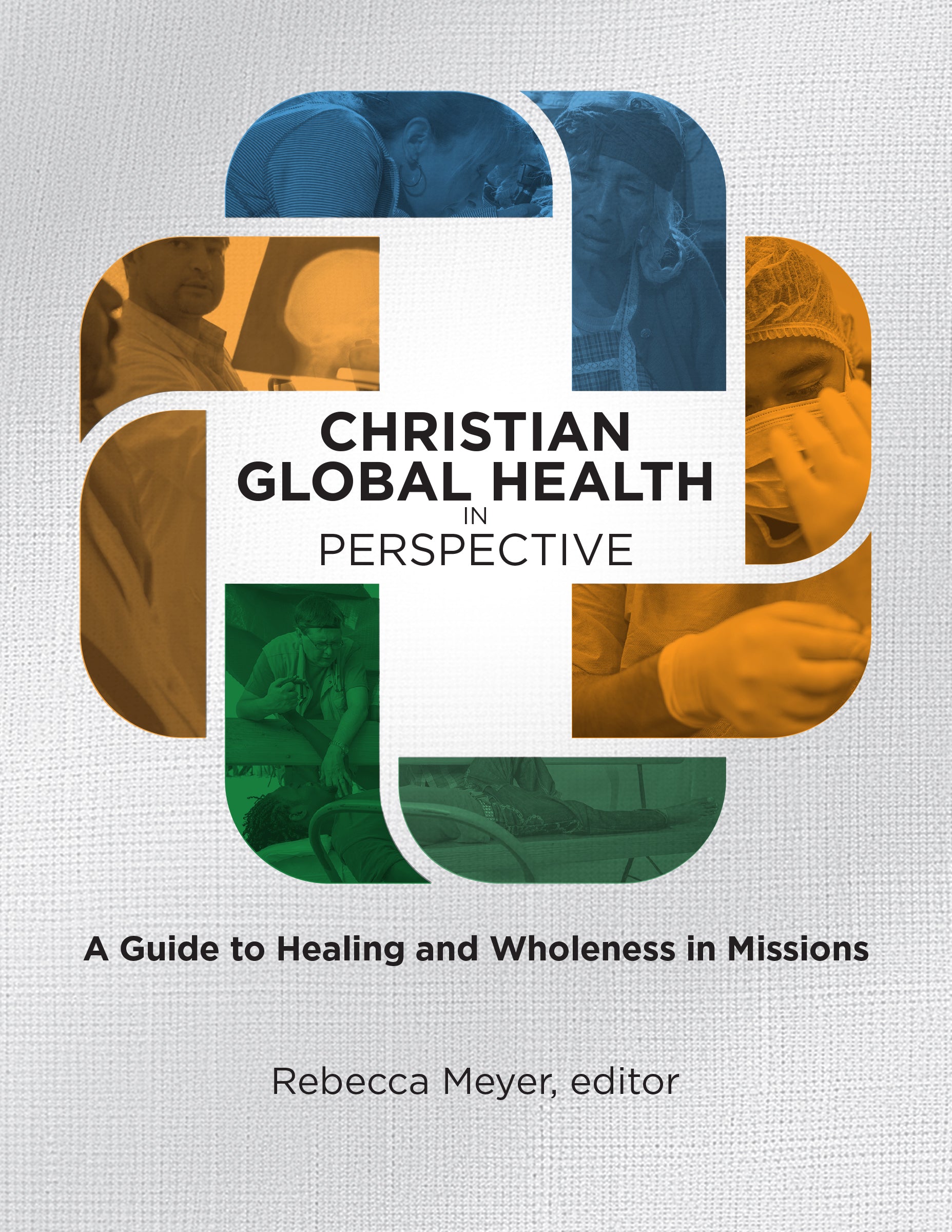
Christian Global Health in Perspective

A Guide to Healing and Wholeness in Missions
Rebecca Meyer
Rebecca Meyer

Rebecca Meyer (PhD, MSNed, BSN, RN) has been a nurse for over thirty-five years, working in the PICU/CVICU as part of the ECMO Team and Transport Team and as an Educator, Charge Nurse, and Manager. A full-time professor since 2010, she served as the curriculum coordinator and co-author of Christian Global Health in Perspective, part of Health for All Nations. She trains and leads students to serve cross-culturally and integrate their faith with their discipline.

(editor)

William Carey Publishing customer support: publishing@wclbooks.com
Lumina Reader technical customer support: support@luminareader.com

Getting Started

How do I purchase an eBook?
  • Go to missionbooks.org and complete checkout with the eBook(s) you would like to purchase.
  • You will receive an order confirmation email from missionbooks.org.
  • You will also receive an email with instructions for accessing your eBooks in the Lumina app.

Check your spam folder if you do not see the login code. If you do not receive the second email, contact publishing@wclbooks.com.

International users receive regional pricing when purchasing through missionbooks.org rather than through an in-app purchase.

What devices can I access my eBooks on?
  • iPhone and iPad running iOS 15.5 or later
  • Android phones and tablets running Android 8.0 or later
  • macOS desktops and laptops, using the iOS app
  • Any device with a web browser at Lumina Reader web platform

Older devices may run more slowly. Keep your device and app up to date for the best experience.

How do I download the Lumina Reader app?

Search for “Lumina Reader” in the Apple App Store or Google Play Store. Log in using the same email address you used at missionbooks.org. The app is not compatible with Amazon Kindle devices.

How do I log in to the Lumina Reader app?

Lumina Reader uses passwordless login.

  1. Open the Lumina Reader app.
  2. Enter the email address used at missionbooks.org.
  3. Check your email for a six-digit login code.
  4. Enter the code in the app.

You will remain logged in and retain access to your eBooks. If you log out, your library, reading progress, notes, and highlights remain saved, but you will need to download your eBooks again.

I can’t see my eBooks. What can I do?

Your eBooks should appear automatically when you log in with the email used at missionbooks.org. If they do not:

  • Confirm that you are using the correct email address. You can find the signed-in address on the Profile page.
  • Pull down from the top of the library screen to refresh it.
  • Update Lumina Reader through your device’s app store.

If your resources still do not appear, contact Lumina Customer Service.

Is there a Windows app for Lumina?

There is currently no Windows app. Windows users can access their eBooks through the Lumina Reader web platform.

Is there an Apple app for Lumina?

Yes. Lumina Reader is available in the Apple App Store for Mac, iPhone, and iPad.

Can the Lumina Reader app read the book aloud?

Yes. With an eBook open, tap the center of the screen to show settings. Select the megaphone icon in the top bar to read the current page aloud.

This feature is not available in the web-browser version.

Can I change the font size?

Yes. You can change font size, line height, and page margins in profile settings or within an eBook. While reading, tap the top center of the screen and select the “T” icon.

Web Version

How do I access the web version?
  1. Open Safari, Chrome, Firefox, or another preferred browser.
  2. Go to hub.luminareader.com.
  3. Log in with the email address used at missionbooks.org.
  4. Enter the six-digit code sent to your email.

Once logged in, you will have access to your eBooks.

How do I troubleshoot the web version?
  • Make sure you have a stable internet connection.
  • Clear your browser cache and cookies.
  • Use a current version of Safari, Chrome, or Firefox.
  • Confirm you are using the same email address used to purchase your eBooks.
  • Refresh your browser.

If problems persist, contact customer service.

App & Device Support

Can I download my content to multiple devices?

Yes. You can use Lumina Reader on up to six devices at the same time, provided you log in with the email address used to purchase the eBook.

To manage devices, go to Account → Registered devices in the app and unlink devices you no longer use.

  1. Install Lumina Reader from your device’s app store.
  2. Log in with the same purchase email address.
  3. Your library should sync automatically.

If access issues continue, refresh your library or log out and back in with the correct email address.

How do I check for the latest Lumina Reader app version?
  • On Apple devices, open the App Store and search for Lumina Reader.
  • On Android devices, open Google Play and search for Lumina Reader.

If an update is available, select Update. If issues remain, try deleting and reinstalling the app. Your eBooks and reading progress are saved to your account, but you will need to download the eBooks again.

How do I delete my Lumina Reader account?

Warning: Deleting your account is permanent. You will lose access to your account activity, preferences, and eBooks.

  1. Open the Lumina Reader app.
  2. Open the Profile tab in the lower-right corner, then select Account.
  3. Scroll to the bottom, select Delete account, confirm the checkboxes, then select Continue and delete account.

Some information may be retained for lawful reasons, including fraud prevention and accounting.

Can I get a refund for an eBook?

If you ordered an eBook by mistake, do not download it in the Lumina app. William Carey Publishing can then cancel the order and issue a full refund.

If you have downloaded it, access can still be removed and the order cancelled, but processing may take longer.

Can I buy an eBook as a gift for someone else?
  • Enter the recipient’s email address when purchasing the book.
  • The recipient will receive an email with download instructions.
  • For multiple recipients, purchase each book separately using each recipient’s email address.

Healing the Nations. Restoring Shalom.

The world is grappling with complex health challenges and disparities, forcing us to confront many pressing questions. How do Christians understand and practice healthcare? What is the biblical view of health and healing? This workbook unravels these queries, offering deep insights into the Christian approach to global health issues.

Christian Global Health in Perspective delves into the biblical foundations of health, historical perspectives of Christian medical missions, and strategies for integrating faith with modern healthcare. Health is wholeness in body, mind, and spirit. The authors, seasoned experts in theology and medicine, guide readers through an exploration of how the church can innovatively respond to current global health concerns.

This resource is essential for healthcare professionals, church leaders, development workers, and anyone interested in the intersection of faith and health. Reading this book may result in a paradigm shift for some who view remission of disease as the sole focus for healing, when from a biblical perspective, wholeness and shalom form the basis for promoting health. Christian Global Health invites you to join this transformative mission, where faith and healthcare converge for global well-being.

  • Christian Global Health in Perspectives fills a critical gap in the healthcare missions ecosystem. The course combines theologically sound missiology with responsible and sustainable medical practice. It provides a unique and well-curated biblical and historical perspective while also leading participants to thoughtfully consider future models and paradigms.
    — Doug Lindberg, MD, FAAFP, Director, CMDA Center for Advancing Healthcare Missions

Introduction

Purpose of Course

Course Description

Course Objectives

Section 1 – Biblical Foundations for Missions – Daniel O’Neill and Paul Hudson

Lesson 1 – Creation, Health, and Wholeness

Lesson 2 – The Fall, Disease, Suffering, and Death

Lesson 3 – Salvation, Healing, and Mission

Section 2 – Historical Foundations – Christoffer Grundmann and Paul Hudson

Lesson 4 – Origins and Infancy: Jesus’s Healing Ministry to the 19th Century

Lesson 5 – Time of Adolescence: Christian Medical Missions During the 19th and 20th Centuries

Lesson 6 – Growing into Maturity: Christian Global Healthcare from the 20th to 21st Century

Section 3 – Culture and Health – Rebecca Meyer and Grace Tazelaar

Lesson 7 – Culture, Worldview, and Health

Lesson 8 – Cultural Factors Impacting Health

Lesson 9 – Culture and the Unseen World

Section 4 – Strategic Innovation – Arnold Gorske, Rebecca Meyer, Perry Jansen, and Mike Soderling

Lesson 10 – Health Promotion and Disease Prevention

Lesson 11 – Churches, Hospitals, and Health Systems

Lesson 12 – Leadership, Innovation, and Emerging Practices

Editor

  • Rebecca Meyer
    Rebecca Meyer

    Rebecca Meyer (PhD, MSNed, BSN, RN) has been a nurse for over thirty-five years, working in the PICU/CVICU as part of the ECMO Team and Transport Team and as an Educator, Charge Nurse, and Manager. A full-time professor since 2010, she served as the curriculum coordinator and co-author of Christian Global Health in Perspective, part of Health for All Nations. She trains and leads students to serve cross-culturally and integrate their faith with their discipline.

  • Pages: 144
  • Publisher: William Carey Publishing
    William Carey Publishing
  • Binding: Paperback
  • Publish Year: 2024
  • ISBN: 9781645085645
  • Vendor: William Carey Publishing
Cannot place order, conditions not met:
OK