
Resources that edify, equip, and empower disciples of Jesus to make disciples of Jesus.

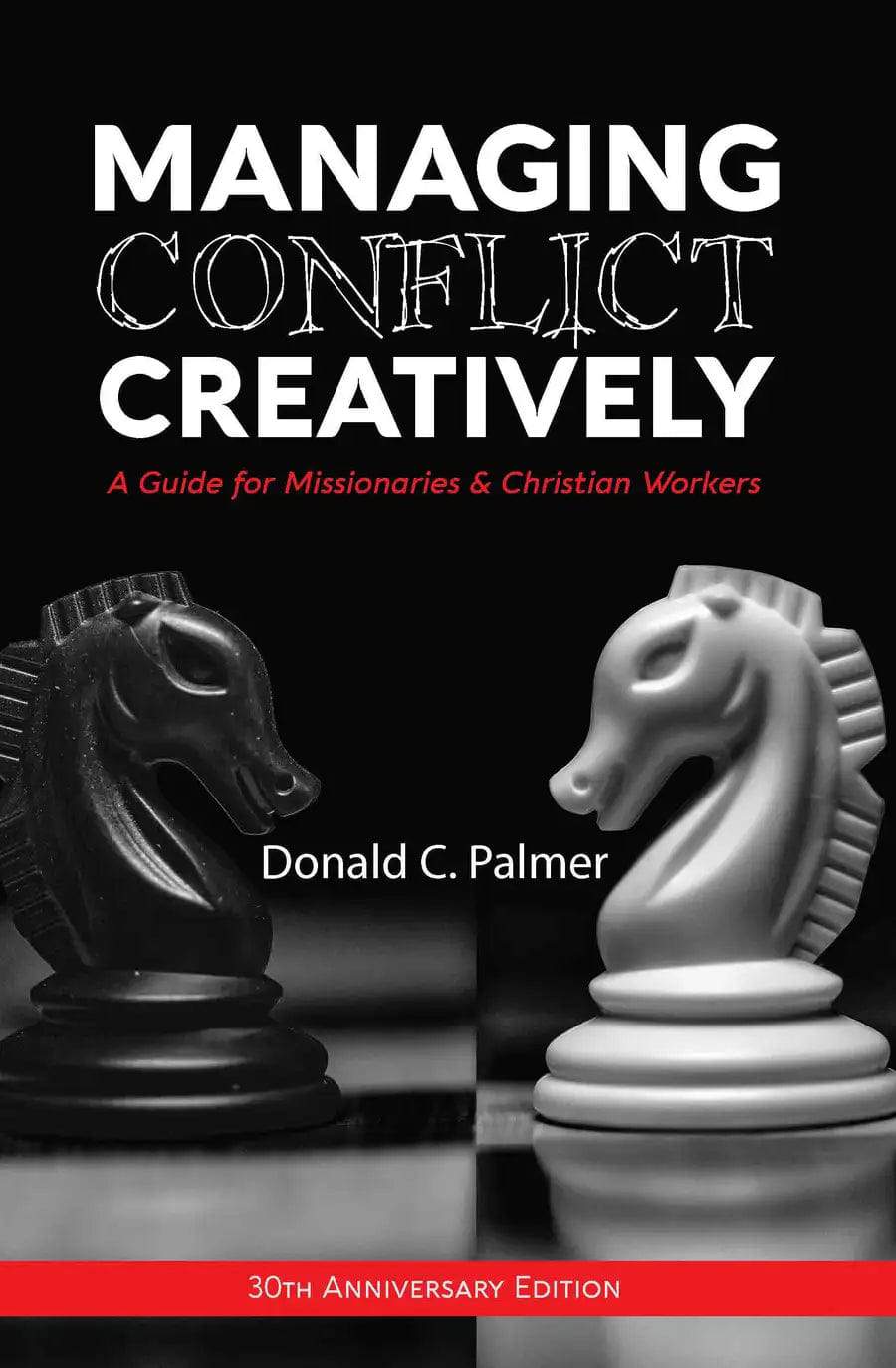
Managing Conflict Creatively (30th Anniversary Edition)

A Guide for Missionaries & Christian Workers
Donald C. Palmer
Donald C. Palmer

Donald C. Palmer served with Avant (previously called Gospel Missionary Union) for thirteen years as a missionary and a successful multi-generation church planter in Columbia. He also served on the GMU administrative staff for twenty-one years and as the general director for InFaith. He contributed to several publications and authored Explosion of People Evangelism. 

William Carey Publishing customer support: publishing@wclbooks.com
Lumina Reader technical customer support: support@luminareader.com

Getting Started

How do I purchase an eBook?
  • Go to missionbooks.org and complete checkout with the eBook(s) you would like to purchase.
  • You will receive an order confirmation email from missionbooks.org.
  • You will also receive an email with instructions for accessing your eBooks in the Lumina app.

Check your spam folder if you do not see the login code. If you do not receive the second email, contact publishing@wclbooks.com.

International users receive regional pricing when purchasing through missionbooks.org rather than through an in-app purchase.

What devices can I access my eBooks on?
  • iPhone and iPad running iOS 15.5 or later
  • Android phones and tablets running Android 8.0 or later
  • macOS desktops and laptops, using the iOS app
  • Any device with a web browser at Lumina Reader web platform

Older devices may run more slowly. Keep your device and app up to date for the best experience.

How do I download the Lumina Reader app?

Search for “Lumina Reader” in the Apple App Store or Google Play Store. Log in using the same email address you used at missionbooks.org. The app is not compatible with Amazon Kindle devices.

How do I log in to the Lumina Reader app?

Lumina Reader uses passwordless login.

  1. Open the Lumina Reader app.
  2. Enter the email address used at missionbooks.org.
  3. Check your email for a six-digit login code.
  4. Enter the code in the app.

You will remain logged in and retain access to your eBooks. If you log out, your library, reading progress, notes, and highlights remain saved, but you will need to download your eBooks again.

I can’t see my eBooks. What can I do?

Your eBooks should appear automatically when you log in with the email used at missionbooks.org. If they do not:

  • Confirm that you are using the correct email address. You can find the signed-in address on the Profile page.
  • Pull down from the top of the library screen to refresh it.
  • Update Lumina Reader through your device’s app store.

If your resources still do not appear, contact Lumina Customer Service.

Is there a Windows app for Lumina?

There is currently no Windows app. Windows users can access their eBooks through the Lumina Reader web platform.

Is there an Apple app for Lumina?

Yes. Lumina Reader is available in the Apple App Store for Mac, iPhone, and iPad.

Can the Lumina Reader app read the book aloud?

Yes. With an eBook open, tap the center of the screen to show settings. Select the megaphone icon in the top bar to read the current page aloud.

This feature is not available in the web-browser version.

Can I change the font size?

Yes. You can change font size, line height, and page margins in profile settings or within an eBook. While reading, tap the top center of the screen and select the “T” icon.

Web Version

How do I access the web version?
  1. Open Safari, Chrome, Firefox, or another preferred browser.
  2. Go to hub.luminareader.com.
  3. Log in with the email address used at missionbooks.org.
  4. Enter the six-digit code sent to your email.

Once logged in, you will have access to your eBooks.

How do I troubleshoot the web version?
  • Make sure you have a stable internet connection.
  • Clear your browser cache and cookies.
  • Use a current version of Safari, Chrome, or Firefox.
  • Confirm you are using the same email address used to purchase your eBooks.
  • Refresh your browser.

If problems persist, contact customer service.

App & Device Support

Can I download my content to multiple devices?

Yes. You can use Lumina Reader on up to six devices at the same time, provided you log in with the email address used to purchase the eBook.

To manage devices, go to Account → Registered devices in the app and unlink devices you no longer use.

  1. Install Lumina Reader from your device’s app store.
  2. Log in with the same purchase email address.
  3. Your library should sync automatically.

If access issues continue, refresh your library or log out and back in with the correct email address.

How do I check for the latest Lumina Reader app version?
  • On Apple devices, open the App Store and search for Lumina Reader.
  • On Android devices, open Google Play and search for Lumina Reader.

If an update is available, select Update. If issues remain, try deleting and reinstalling the app. Your eBooks and reading progress are saved to your account, but you will need to download the eBooks again.

How do I delete my Lumina Reader account?

Warning: Deleting your account is permanent. You will lose access to your account activity, preferences, and eBooks.

  1. Open the Lumina Reader app.
  2. Open the Profile tab in the lower-right corner, then select Account.
  3. Scroll to the bottom, select Delete account, confirm the checkboxes, then select Continue and delete account.

Some information may be retained for lawful reasons, including fraud prevention and accounting.

Can I get a refund for an eBook?

If you ordered an eBook by mistake, do not download it in the Lumina app. William Carey Publishing can then cancel the order and issue a full refund.

If you have downloaded it, access can still be removed and the order cancelled, but processing may take longer.

Can I buy an eBook as a gift for someone else?
  • Enter the recipient’s email address when purchasing the book.
  • The recipient will receive an email with download instructions.
  • For multiple recipients, purchase each book separately using each recipient’s email address.

What does the Bible say about conflict resolution? 

Nobody likes conflict, especially when both parties are “part of the same team.” Unresolved conflict can lead to missionary attrition, but healthy conflict-resolution can be a wonderful growth opportunity, leading to problem-solving and team-building.

In Managing Conflict Creatively, Dr. Palmer first introduces the dynamics of conflict and the common styles of conflict management. After providing a Biblical background, he then identifies types of conflict and how to develop conflict management skills, specifically in cross-cultural situations. Lose your fear of conflict as you walk through case studies, engage in discussion questions, and learn to:

  • Identify the stages of conflict and steps of healthy problem solving
  • Encourage healthy conflict resolution in its early stages
  • Identify your personal conflict style and the characteristics of an effective moderator
  • Overreact less amid conflict
  • Consciously choose a conflict-resolution style tailored to each situation
  • Disagree well and resolve conflicts and misunderstandings without harming your witness
  • Manage conflict in positive ways that foster growth and collaboration

This manual is intended to serve as a teaching tool and a study guide for cross-cultural conflict management courses in Bible colleges, mission organizations, and churches. Thirty years after its original publication, this practical, Bible-centered approach to the dynamics of conflict and conflict management in cross-cultural situations remains relevant, both abroad and in today’s hybrid cities.

  • Palmer’s book evidences abundant understandings of cross-cultural conflict problems. No neophyte in missions, the author has mastered conflict management literature and subjected it to the realities of the extensive personal struggles existing both at home and overseas. This is a rich compendium of Biblical guidelines, styles of conflict management and their development, and the emergent cross-cultural factors that create a unique ethos in each context.
    — Warren S. Benson, PhD

Foreword

Author’s Preface

Publisher’s Preface

Section I: The Dynamics of Conflict

Definition of Conflict

The Inevitability of Conflict

The Underlying Causes of Conflict

The Issues Involved in Conflict

The Four Types of Conflict

The Potential in Conflict

Conclusion

Section II: Styles of Conflict Management

The Five Styles of Conflict Management

Important Principles Regarding Styles

Conclusion

Section III: The Bible and Conflict

Types of Conflict in the Bible

Seven Biblical Passages on Conflict

Conclusion

Section IV: Development of Conflict Management Skills

Learn the Stages in the Conflict Cycle

Manage Conflict in Its First Stages

Develop an Effective Conflict Management Strategy

The Qualities and Role of a Referee

Case Study #1

Section V: Cross-Cultural Factors

Styles of Leadership

The Negotiation Process

Time Orientation

Direct Versus Indirect Approach

Decision-Making Process

Planning

Ten Recommendations

Case Study #2

Case Study #3

References

Author

  • Donald C. Palmer
    Donald C. Palmer

    Donald C. Palmer served with Avant (previously called Gospel Missionary Union) for thirteen years as a missionary and a successful multi-generation church planter in Columbia. He also served on the GMU administrative staff for twenty-one years and as the general director for InFaith. He contributed to several publications and authored Explosion of People Evangelism. 

  • Pages: 126
  • Publisher: William Carey Publishing
    William Carey Publishing
  • Binding: paperback
  • Publish Year: 2020
  • ISBN: 9781645083443
  • Vendor: William Carey Publishing
Cannot place order, conditions not met:
OK