

Resources that edify, equip, and empower disciples of Jesus to make disciples of Jesus.

Missions from the Majority World

Progress, Challenges and Case Studies
Enoch Wanand Michael Pocock

William Carey Publishing customer support: publishing@wclbooks.com
Lumina Reader technical customer support: support@luminareader.com

Getting Started

How do I purchase an eBook?
  • Go to missionbooks.org and complete checkout with the eBook(s) you would like to purchase.
  • You will receive an order confirmation email from missionbooks.org.
  • You will also receive an email with instructions for accessing your eBooks in the Lumina app.

Check your spam folder if you do not see the login code. If you do not receive the second email, contact publishing@wclbooks.com.

International users receive regional pricing when purchasing through missionbooks.org rather than through an in-app purchase.

What devices can I access my eBooks on?
  • iPhone and iPad running iOS 15.5 or later
  • Android phones and tablets running Android 8.0 or later
  • macOS desktops and laptops, using the iOS app
  • Any device with a web browser at Lumina Reader web platform

Older devices may run more slowly. Keep your device and app up to date for the best experience.

How do I download the Lumina Reader app?

Search for “Lumina Reader” in the Apple App Store or Google Play Store. Log in using the same email address you used at missionbooks.org. The app is not compatible with Amazon Kindle devices.

How do I log in to the Lumina Reader app?

Lumina Reader uses passwordless login.

  1. Open the Lumina Reader app.
  2. Enter the email address used at missionbooks.org.
  3. Check your email for a six-digit login code.
  4. Enter the code in the app.

You will remain logged in and retain access to your eBooks. If you log out, your library, reading progress, notes, and highlights remain saved, but you will need to download your eBooks again.

I can’t see my eBooks. What can I do?

Your eBooks should appear automatically when you log in with the email used at missionbooks.org. If they do not:

  • Confirm that you are using the correct email address. You can find the signed-in address on the Profile page.
  • Pull down from the top of the library screen to refresh it.
  • Update Lumina Reader through your device’s app store.

If your resources still do not appear, contact Lumina Customer Service.

Is there a Windows app for Lumina?

There is currently no Windows app. Windows users can access their eBooks through the Lumina Reader web platform.

Is there an Apple app for Lumina?

Yes. Lumina Reader is available in the Apple App Store for Mac, iPhone, and iPad.

Can the Lumina Reader app read the book aloud?

Yes. With an eBook open, tap the center of the screen to show settings. Select the megaphone icon in the top bar to read the current page aloud.

This feature is not available in the web-browser version.

Can I change the font size?

Yes. You can change font size, line height, and page margins in profile settings or within an eBook. While reading, tap the top center of the screen and select the “T” icon.

Web Version

How do I access the web version?
  1. Open Safari, Chrome, Firefox, or another preferred browser.
  2. Go to hub.luminareader.com.
  3. Log in with the email address used at missionbooks.org.
  4. Enter the six-digit code sent to your email.

Once logged in, you will have access to your eBooks.

How do I troubleshoot the web version?
  • Make sure you have a stable internet connection.
  • Clear your browser cache and cookies.
  • Use a current version of Safari, Chrome, or Firefox.
  • Confirm you are using the same email address used to purchase your eBooks.
  • Refresh your browser.

If problems persist, contact customer service.

App & Device Support

Can I download my content to multiple devices?

Yes. You can use Lumina Reader on up to six devices at the same time, provided you log in with the email address used to purchase the eBook.

To manage devices, go to Account → Registered devices in the app and unlink devices you no longer use.

  1. Install Lumina Reader from your device’s app store.
  2. Log in with the same purchase email address.
  3. Your library should sync automatically.

If access issues continue, refresh your library or log out and back in with the correct email address.

How do I check for the latest Lumina Reader app version?
  • On Apple devices, open the App Store and search for Lumina Reader.
  • On Android devices, open Google Play and search for Lumina Reader.

If an update is available, select Update. If issues remain, try deleting and reinstalling the app. Your eBooks and reading progress are saved to your account, but you will need to download the eBooks again.

How do I delete my Lumina Reader account?

Warning: Deleting your account is permanent. You will lose access to your account activity, preferences, and eBooks.

  1. Open the Lumina Reader app.
  2. Open the Profile tab in the lower-right corner, then select Account.
  3. Scroll to the bottom, select Delete account, confirm the checkboxes, then select Continue and delete account.

Some information may be retained for lawful reasons, including fraud prevention and accounting.

Can I get a refund for an eBook?

If you ordered an eBook by mistake, do not download it in the Lumina app. William Carey Publishing can then cancel the order and issue a full refund.

If you have downloaded it, access can still be removed and the order cancelled, but processing may take longer.

Can I buy an eBook as a gift for someone else?
  • Enter the recipient’s email address when purchasing the book.
  • The recipient will receive an email with download instructions.
  • For multiple recipients, purchase each book separately using each recipient’s email address.

“Reaching To” and “Reaching Through” People on the Move

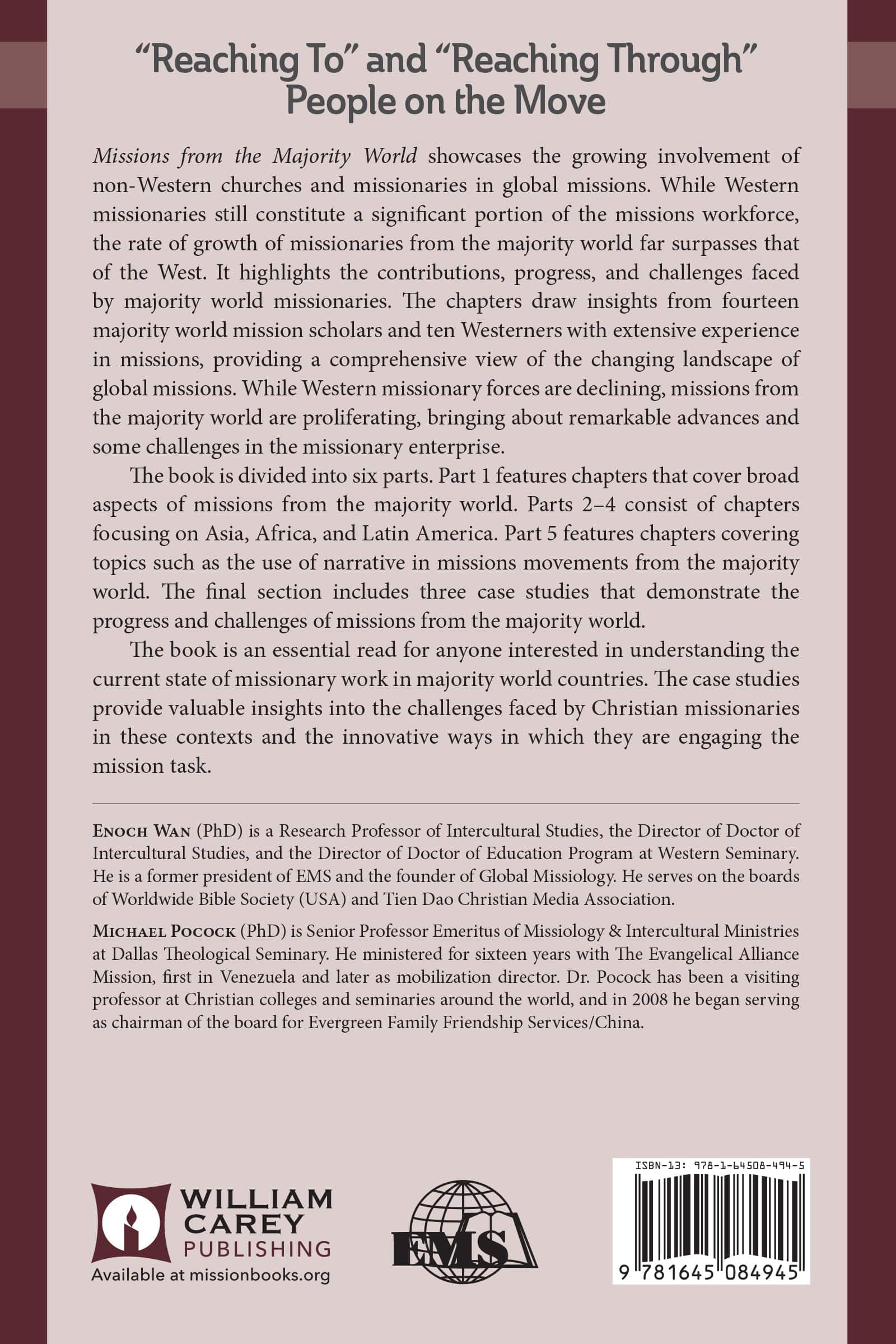
Missions from the Majority World showcases the growing involvement of non-Western churches and missionaries in global missions. While Western missionaries still constitute a significant portion of the missions workforce, the rate of growth of missionaries from the majority world far surpasses that of the West. It highlights the contributions, progress, and challenges faced by majority world missionaries. The chapters draw insights from 14 majority world mission scholars and 10 Westerners with extensive experience in missions, providing a comprehensive view of the changing landscape of global missions. While Western missionary forces are declining, missions from the majority world are proliferating, bringing about remarkable advances and some challenges in the missionary enterprise.

The book is divided into six parts. Part one features four chapters that cover broad aspects of missions from the majority world. Parts 2-4 consist of seven chapters focusing on Asia, Africa, and Latin America. Part five features three chapters covering topics such as the use of narrative in missions movements from the majority world. The final section includes three case studies that demonstrate the progress and challenges of missions from the majority world.

The book is an essential read for anyone interested in understanding the current state of missionary work in majority world countries. The case studies provide valuable insights into the challenges faced by Christian missionaries in these contexts and the innovative ways in which they are engaging the mission task.

Evangelical Missiological Society- Book 17

INTRODUCTION by Enoch Wan

CONTRIBUTORS 

PART 1: GLOBAL OVERVIEW

1. A NEWER MISSIONS PARADIGM AND THE GROWTH OF MISSIONS FROM THE MAJORITY WORLD by Steve (Heung Chan) Kim

2. SEVEN ESSENTIALS OF MAJORITY WORLD EMERGING MISSION MOVEMENTS by Howard Brant

3. GLOBAL MISSION PARTNERSHIP: MISSIOLOGICAL REFLECTIONS AFTER TEN YEARS OF EXPERIENCE by Douglas L. Rutt

4. IN THROUGH THE BACK DOOR: REACHING THE MAJORITY WORLD IN NORTH AMERICA by J. D. Payne

PART 2: REGIONAL ISSUES-ASIA

5. KOREAN CHRISTIAN WORLD MISSION: THE MISSIONARY MOVEMENT OF THE KOREAN CHURCH by Timothy Kiho Park

6. UNIVERSITY BIBLE FELLOWSHIP: WHAT HAPPENS WHEN MISSIONARIES FROM KOREA DESCEND ON NORTH AMERICAN COLLEGE CAMPUSES? by Joseph L. Schafer, Mark Yoon and A. Scott Moreau

7. MAJORITY WORLD HARVEST AMONG TIBETAN BUDDHISTS: HISTORICAL REVIEW, ETHNOGRAPHIC OVERVIEW, AND DYNAMIC DEVELOPMENT by David Oleson and Enoch Wan

PART 3: REGIONAL ISSUES-AFRICA

8. STAKES OF MISSION ENGAGEMENT: REFLECTION ON REMODELING MISSION IN THE CENTRAL AFRICAN REGION by Fohle Lygunda li-M

9. THE UNIQUENESS OF AFRICAN INITIATED CHURCHES: A CAMEROONIAN VIEW by Andre Talla

PART 4: REGIONAL ISSUES-LATIN AMERICA

10. COMIBAM: CALLING LATIN AMERICANS TO THE GLOBAL CHALLENGE by Julio Guarneri

11. HISPANIC/LATINO OPPORTUNITIES AND CHALLENGES FOR SHARING THE LOVE OF JESUS WITH MUSLIMS by Sergio A. Ramos

PART 5: ISSUES OF CONCERN

12. MINORITY GROUPS IN CHINA: CAN HAN CHRISTIANS REACH THEM? by Meg Crossman

13. CAN EVANGELICALS IMAGINE AN ALTERNATIVE FUTURE? OPPORTUNITIES AND CONSTRAINTS OF AN INDIGENOUS AFRICAN DEVELOPMENT IN THE SHADOW OF THE WEST by Joel Matthews

14. IN WHAT WAY SHOULD THE MISSION MOVEMENTS OF THE MAJORITY WORLD USE NARRATIVE? by Robert Strauss

PART 6: CASE STUDIES

15. CALVARY MINISTRIES (CAPRO): A CASE STUDY ON A MODEL OF MAJORITY WORLD INITIATIVES IN CHRISTIAN MISSION by Tesilimi Aderemi (Remi) Lawanson

16. MIGRANT WORKERS’ CHURCHES AS WELCOMING, SENDING AND RECRUITING ENTITIES: A CASE STUDY OF MONGOLIAN MIGRANT WORKERS’ CHURCHES IN KOREA by Myunghee Lee

17. THE FILIPINO EXPERIENCE IN DIASPORA MISSIONS: A CASE STUDY OF MISSION INITIATIVES FROM THE MAJORITY WORLD CHURCHES by Enoch Wan and Sadiri Joy Tira

  • Pages: 434
  • Publisher: William Carey Publishing
    William Carey Publishing
  • Binding: Paperback
  • Publish Year: 2009
  • ISBN: 9781645084945
  • Vendor: William Carey Publishing
Cannot place order, conditions not met:
OK