
Resources that edify, equip, and empower disciples of Jesus to make disciples of Jesus.

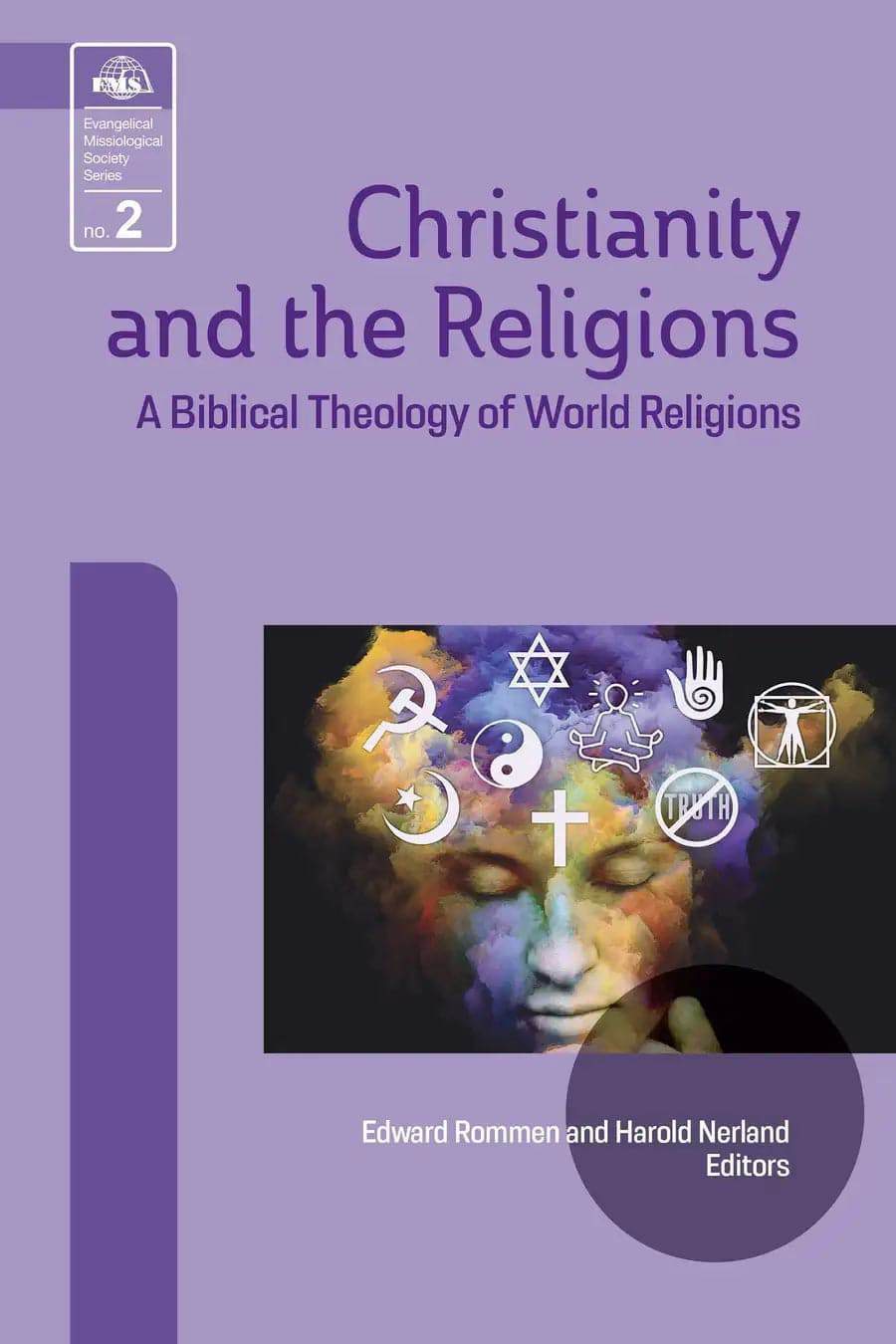
Christianity and the Religions

A Biblical Theology of World Religions
Edward Rommen
Edward Rommen

Edward Rommen (DMiss, Trinity Evangelical Divinity School; PhD, Ludwig Maximillian University) planted churches and taught in Europe for fifteen years. He then returned to the United States to teach missions and theology and worked in pastoral ministry as an Orthodox priest. He is currently an adjunct professor at Duke Divinity School in Durham, North Carolina.

and Harold A. Netland

William Carey Publishing customer support: publishing@wclbooks.com
Lumina Reader technical customer support: support@luminareader.com

Getting Started

How do I purchase an eBook?
  • Go to missionbooks.org and complete checkout with the eBook(s) you would like to purchase.
  • You will receive an order confirmation email from missionbooks.org.
  • You will also receive an email with instructions for accessing your eBooks in the Lumina app.

Check your spam folder if you do not see the login code. If you do not receive the second email, contact publishing@wclbooks.com.

International users receive regional pricing when purchasing through missionbooks.org rather than through an in-app purchase.

What devices can I access my eBooks on?
  • iPhone and iPad running iOS 15.5 or later
  • Android phones and tablets running Android 8.0 or later
  • macOS desktops and laptops, using the iOS app
  • Any device with a web browser at Lumina Reader web platform

Older devices may run more slowly. Keep your device and app up to date for the best experience.

How do I download the Lumina Reader app?

Search for “Lumina Reader” in the Apple App Store or Google Play Store. Log in using the same email address you used at missionbooks.org. The app is not compatible with Amazon Kindle devices.

How do I log in to the Lumina Reader app?

Lumina Reader uses passwordless login.

  1. Open the Lumina Reader app.
  2. Enter the email address used at missionbooks.org.
  3. Check your email for a six-digit login code.
  4. Enter the code in the app.

You will remain logged in and retain access to your eBooks. If you log out, your library, reading progress, notes, and highlights remain saved, but you will need to download your eBooks again.

I can’t see my eBooks. What can I do?

Your eBooks should appear automatically when you log in with the email used at missionbooks.org. If they do not:

  • Confirm that you are using the correct email address. You can find the signed-in address on the Profile page.
  • Pull down from the top of the library screen to refresh it.
  • Update Lumina Reader through your device’s app store.

If your resources still do not appear, contact Lumina Customer Service.

Is there a Windows app for Lumina?

There is currently no Windows app. Windows users can access their eBooks through the Lumina Reader web platform.

Is there an Apple app for Lumina?

Yes. Lumina Reader is available in the Apple App Store for Mac, iPhone, and iPad.

Can the Lumina Reader app read the book aloud?

Yes. With an eBook open, tap the center of the screen to show settings. Select the megaphone icon in the top bar to read the current page aloud.

This feature is not available in the web-browser version.

Can I change the font size?

Yes. You can change font size, line height, and page margins in profile settings or within an eBook. While reading, tap the top center of the screen and select the “T” icon.

Web Version

How do I access the web version?
  1. Open Safari, Chrome, Firefox, or another preferred browser.
  2. Go to hub.luminareader.com.
  3. Log in with the email address used at missionbooks.org.
  4. Enter the six-digit code sent to your email.

Once logged in, you will have access to your eBooks.

How do I troubleshoot the web version?
  • Make sure you have a stable internet connection.
  • Clear your browser cache and cookies.
  • Use a current version of Safari, Chrome, or Firefox.
  • Confirm you are using the same email address used to purchase your eBooks.
  • Refresh your browser.

If problems persist, contact customer service.

App & Device Support

Can I download my content to multiple devices?

Yes. You can use Lumina Reader on up to six devices at the same time, provided you log in with the email address used to purchase the eBook.

To manage devices, go to Account → Registered devices in the app and unlink devices you no longer use.

  1. Install Lumina Reader from your device’s app store.
  2. Log in with the same purchase email address.
  3. Your library should sync automatically.

If access issues continue, refresh your library or log out and back in with the correct email address.

How do I check for the latest Lumina Reader app version?
  • On Apple devices, open the App Store and search for Lumina Reader.
  • On Android devices, open Google Play and search for Lumina Reader.

If an update is available, select Update. If issues remain, try deleting and reinstalling the app. Your eBooks and reading progress are saved to your account, but you will need to download the eBooks again.

How do I delete my Lumina Reader account?

Warning: Deleting your account is permanent. You will lose access to your account activity, preferences, and eBooks.

  1. Open the Lumina Reader app.
  2. Open the Profile tab in the lower-right corner, then select Account.
  3. Scroll to the bottom, select Delete account, confirm the checkboxes, then select Continue and delete account.

Some information may be retained for lawful reasons, including fraud prevention and accounting.

Can I get a refund for an eBook?

If you ordered an eBook by mistake, do not download it in the Lumina app. William Carey Publishing can then cancel the order and issue a full refund.

If you have downloaded it, access can still be removed and the order cancelled, but processing may take longer.

Can I buy an eBook as a gift for someone else?
  • Enter the recipient’s email address when purchasing the book.
  • The recipient will receive an email with download instructions.
  • For multiple recipients, purchase each book separately using each recipient’s email address.

The Majesty and Greatness of God

Unprecedented opportunities and challenges await the Christian church as it approaches the 21st century. Just fifty years ago, we could not have dreamed how advanced technologies and the remarkable rise of non-Western missionaries would open doors for world evangelization. At the same time, the church finds itself increasingly troubled by internal and external pressures, resulting in a deep sense of insecurity about its mission in the world.

The current theological and missiological ferment is seen in debates about religious pluralism What is the relationship between the Christian faith and other religious traditions? Missiologist Gerald Anderson says, “No issue in missiology is more important, more difficult, more controversial, or more divisive for the days ahead than the theology of religions … This is the theological issue for mission in the 1990s and into the 21st century.”

The essays in this book take a fresh look at the biblical data to address pressing questions raised by religious pluralism. With a greater understanding of these issues, God’s people will not only have increased confidence in the one true God; they will be further emboldened to carry on the work of world missions.

Evangelical Missiological Society Book 2 

INTRODUCTION by Harold Netland 

PART I: BIBLICAL PERSPECTIVES

1. Religions and the Bible: An Agenda for Evangelicals by Gordon T. Smith

2. Yahweh and the Gods: A Theology of World Religions from the Pentateuch by Ed Mathew

3. Selected Perspectives on World Religions from Wisdom Literature by Michael Pocock

4. “To whom shall you compare me?”: Yahweh’s Polemic against Baal and the Babylonian Idol Gods in Prophetic Literature by Robert B. Chisholm, Jr.

5. The Contribution of the Gospels and Acts to a Biblical Theology of Religions by William J. Larkin, Jr.

6. The Apostle Paul and First Century Religious Pluralism by Don N. Howell, Jr.

7. The Contribution of the General Epistles and Revelation to a Biblical Theology of Religions by Andreas Kostenberger

PART II: HISTORICAL AND DOCTRINAL PERSPECTIVE

8. Christianity and the Religions in the History of the Church by James F. Lewis

9. Religious Borrowing as a Two-Way Street: An Introduction to Animistic Tendencies in the Euro-North American Context by A. Scott Moreau

10. The Uniqueness of Christ in Mission Theology By Charles Van Engen

11. Christianity as a Minority Religion by Larry Poston

PART III: SYNTHESIS 

12. Synthesis by Edward Rommen

13. Application by Harold Netland

CONCLUSIONS

14. Conclusion by David J. Hesselgrave

Authors

  • Edward Rommen
    Edward Rommen

    Edward Rommen (DMiss, Trinity Evangelical Divinity School; PhD, Ludwig Maximillian University) planted churches and taught in Europe for fifteen years. He then returned to the United States to teach missions and theology and worked in pastoral ministry as an Orthodox priest. He is currently an adjunct professor at Duke Divinity School in Durham, North Carolina.

  • Harold A. Netland
  • Pages: 278
  • Publisher: William Carey Publishing
    William Carey Publishing
  • Binding: Paperback
  • Publish Year: 1995
  • Series: Evangelical Missiological Society (2)
  • ISBN: 9781645085515
  • Vendor: William Carey Library
Cannot place order, conditions not met:
OK