
Resources that edify, equip, and empower disciples of Jesus to make disciples of Jesus.

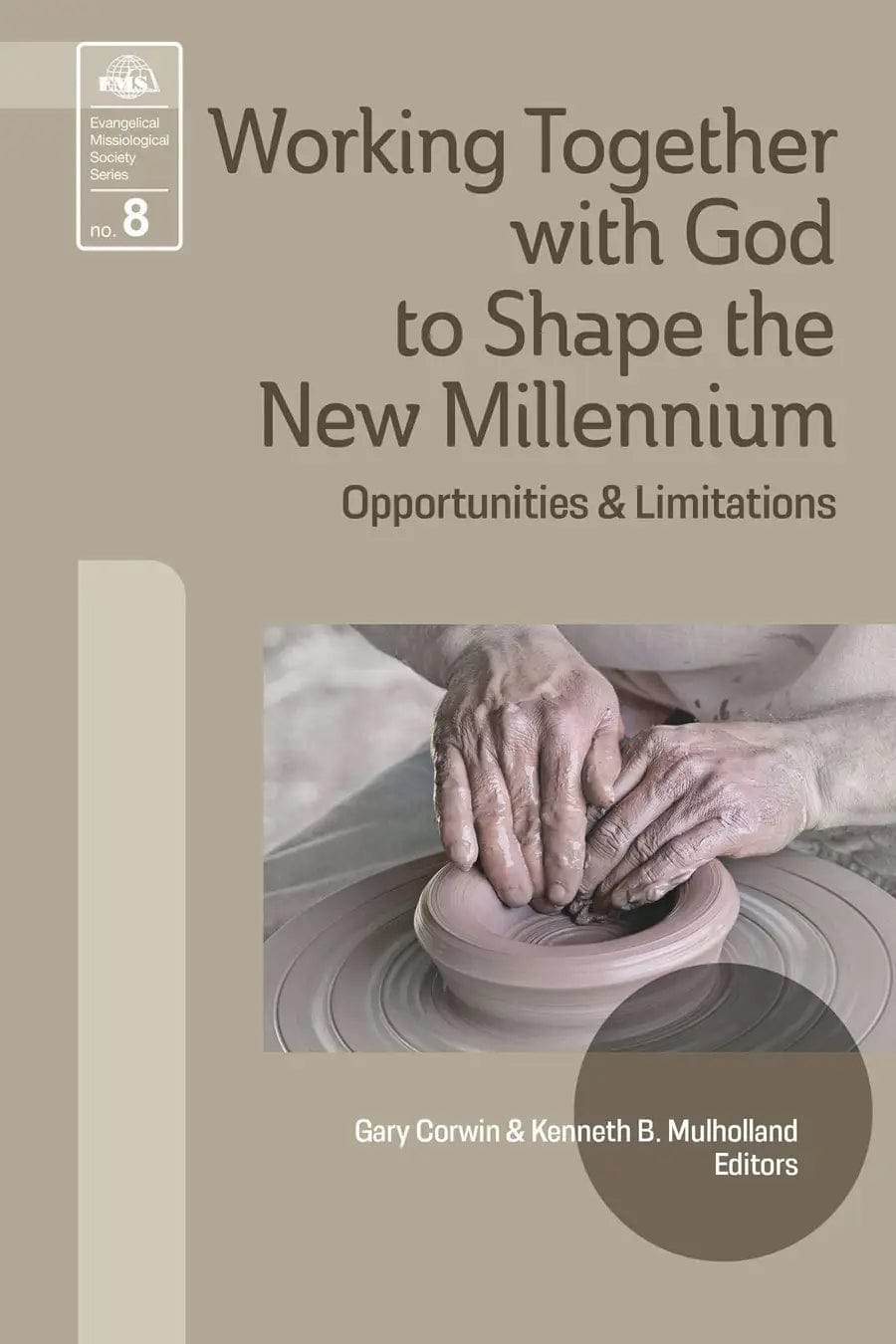
Working Together with God to Shape the New Millennium

Opportunities and Limitations
Gary R. Corwin and Kenneth B. Mulholland
Kenneth B. Mulholland

Kenneth B. Mulholland (DTheo, Fuller Theological Seminary) is the former Dean of Columbia Biblical Seminary and School of Missions and Director of Missionary Church Planting at Columbia International University. He is an ordained minister who has served in the US and Latin America and a former president of EMS.

William Carey Publishing customer support: publishing@wclbooks.com
Lumina Reader technical customer support: support@luminareader.com

Getting Started

How do I purchase an eBook?
  • Go to missionbooks.org and complete checkout with the eBook(s) you would like to purchase.
  • You will receive an order confirmation email from missionbooks.org.
  • You will also receive an email with instructions for accessing your eBooks in the Lumina app.

Check your spam folder if you do not see the login code. If you do not receive the second email, contact publishing@wclbooks.com.

International users receive regional pricing when purchasing through missionbooks.org rather than through an in-app purchase.

What devices can I access my eBooks on?
  • iPhone and iPad running iOS 15.5 or later
  • Android phones and tablets running Android 8.0 or later
  • macOS desktops and laptops, using the iOS app
  • Any device with a web browser at Lumina Reader web platform

Older devices may run more slowly. Keep your device and app up to date for the best experience.

How do I download the Lumina Reader app?

Search for “Lumina Reader” in the Apple App Store or Google Play Store. Log in using the same email address you used at missionbooks.org. The app is not compatible with Amazon Kindle devices.

How do I log in to the Lumina Reader app?

Lumina Reader uses passwordless login.

  1. Open the Lumina Reader app.
  2. Enter the email address used at missionbooks.org.
  3. Check your email for a six-digit login code.
  4. Enter the code in the app.

You will remain logged in and retain access to your eBooks. If you log out, your library, reading progress, notes, and highlights remain saved, but you will need to download your eBooks again.

I can’t see my eBooks. What can I do?

Your eBooks should appear automatically when you log in with the email used at missionbooks.org. If they do not:

  • Confirm that you are using the correct email address. You can find the signed-in address on the Profile page.
  • Pull down from the top of the library screen to refresh it.
  • Update Lumina Reader through your device’s app store.

If your resources still do not appear, contact Lumina Customer Service.

Is there a Windows app for Lumina?

There is currently no Windows app. Windows users can access their eBooks through the Lumina Reader web platform.

Is there an Apple app for Lumina?

Yes. Lumina Reader is available in the Apple App Store for Mac, iPhone, and iPad.

Can the Lumina Reader app read the book aloud?

Yes. With an eBook open, tap the center of the screen to show settings. Select the megaphone icon in the top bar to read the current page aloud.

This feature is not available in the web-browser version.

Can I change the font size?

Yes. You can change font size, line height, and page margins in profile settings or within an eBook. While reading, tap the top center of the screen and select the “T” icon.

Web Version

How do I access the web version?
  1. Open Safari, Chrome, Firefox, or another preferred browser.
  2. Go to hub.luminareader.com.
  3. Log in with the email address used at missionbooks.org.
  4. Enter the six-digit code sent to your email.

Once logged in, you will have access to your eBooks.

How do I troubleshoot the web version?
  • Make sure you have a stable internet connection.
  • Clear your browser cache and cookies.
  • Use a current version of Safari, Chrome, or Firefox.
  • Confirm you are using the same email address used to purchase your eBooks.
  • Refresh your browser.

If problems persist, contact customer service.

App & Device Support

Can I download my content to multiple devices?

Yes. You can use Lumina Reader on up to six devices at the same time, provided you log in with the email address used to purchase the eBook.

To manage devices, go to Account → Registered devices in the app and unlink devices you no longer use.

  1. Install Lumina Reader from your device’s app store.
  2. Log in with the same purchase email address.
  3. Your library should sync automatically.

If access issues continue, refresh your library or log out and back in with the correct email address.

How do I check for the latest Lumina Reader app version?
  • On Apple devices, open the App Store and search for Lumina Reader.
  • On Android devices, open Google Play and search for Lumina Reader.

If an update is available, select Update. If issues remain, try deleting and reinstalling the app. Your eBooks and reading progress are saved to your account, but you will need to download the eBooks again.

How do I delete my Lumina Reader account?

Warning: Deleting your account is permanent. You will lose access to your account activity, preferences, and eBooks.

  1. Open the Lumina Reader app.
  2. Open the Profile tab in the lower-right corner, then select Account.
  3. Scroll to the bottom, select Delete account, confirm the checkboxes, then select Continue and delete account.

Some information may be retained for lawful reasons, including fraud prevention and accounting.

Can I get a refund for an eBook?

If you ordered an eBook by mistake, do not download it in the Lumina app. William Carey Publishing can then cancel the order and issue a full refund.

If you have downloaded it, access can still be removed and the order cancelled, but processing may take longer.

Can I buy an eBook as a gift for someone else?
  • Enter the recipient’s email address when purchasing the book.
  • The recipient will receive an email with download instructions.
  • For multiple recipients, purchase each book separately using each recipient’s email address.
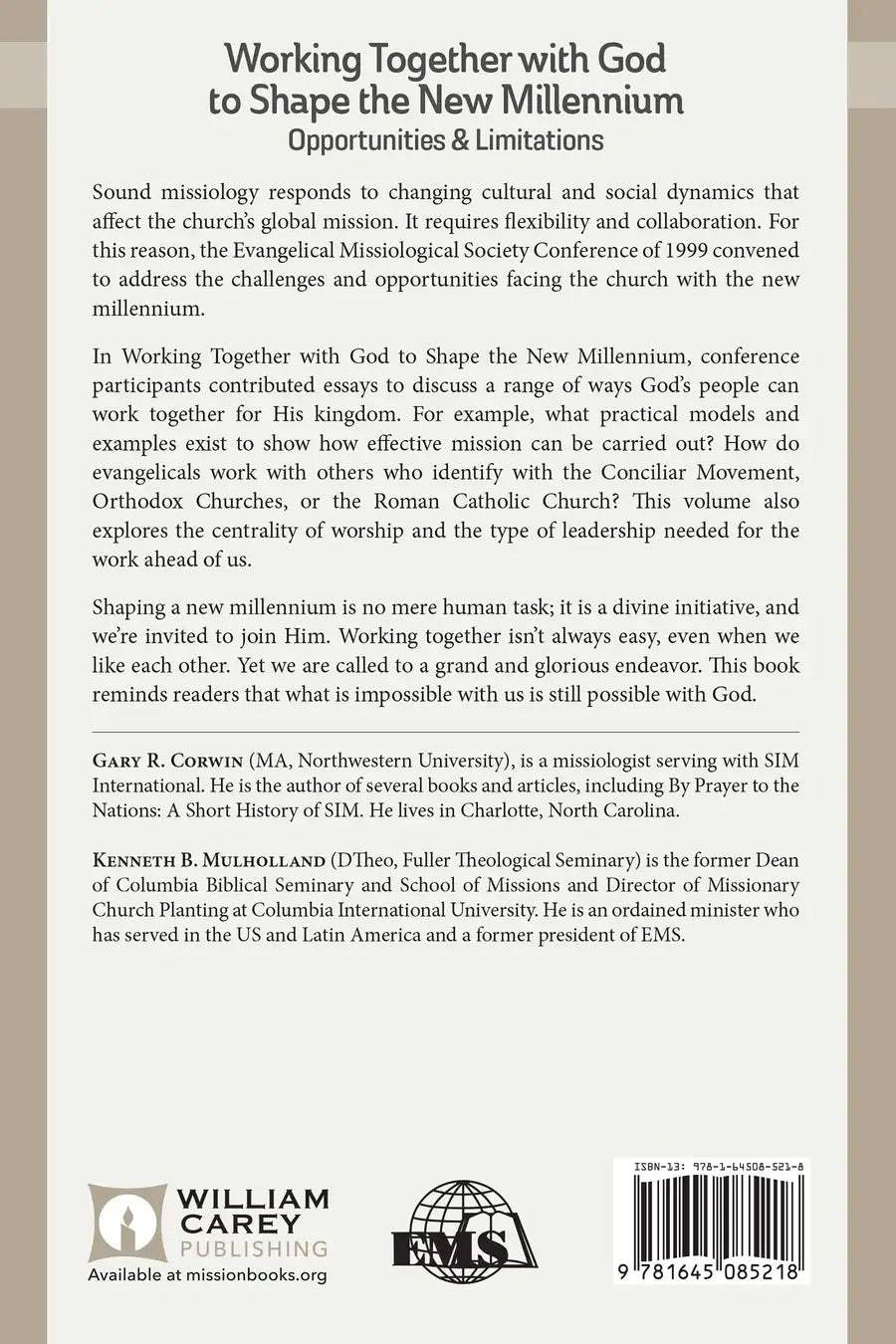
Sound missiology responds to changing cultural and social dynamics that affect the church’s global mission. It requires flexibility and collaboration. For this reason, the Evangelical Missiological Society Conference of 1999 convened to address the challenges and opportunities facing the church with the new millennium.

In Working Together with God to Shape the New Millennium, conference participants contributed essays to discuss a range of ways God’s people can work together for His kingdom. For example, what practical models and examples exist to show how effective mission can be carried out? How do evangelicals work with others who identify with the Conciliar Movement, Orthodox Churches, or the Roman Catholic Church? This volume also explores the centrality of worship and the type of leadership needed for the work ahead of us.

Shaping a new millennium is no mere human task; it is a divine initiative, and we’re invited to join Him. Working together isn’t always easy, even when we like each other. Yet we are called to a grand and glorious endeavor. This book reminds readers that what is impossible with us is still possible with God.

Evangelical Missiological Society Book 8

Preface - Gary Corwin

Author Profiles

Biblical Foundations for the New Millenium

  • 1. What God Is Doing to Shape the New Millenium - Henry Blackaby

Context of the New Millenium

  • 2. Setting the Scene for 2020: Shifting Missions into the Future Tense - Tom Sine
  • 3. Global Theological Challenges - T.V. Thomas

Working Together Theologically in the New Millenium

  • 4. Opportunities and Limitations - Charles Van Engen
  • Response to Van Engen regarding Opportunities and Challenges - John H. Orme
  • 5. Working Together with Conciliar Groups - Charles Van Engen
  • 6. On the Theological Possibility of Orthodox/Evangelical Cooperation in Mission - Edward Rommen
  • 7. Theological Guidelines for Working within a Roman Catholic Context - John Nyquist
  • Response to Van Engen, Rommen, and Nyquist on the Possibilities of Working Together Theologically in a Wider Way - James J. Stamoolis

Working Together Doxologically in the New Millenium

  • 8. Calling An Army of Artists - Frank Fortunato
  • 9. Contextualized Worship and Arts in World Evangelization - Byron Spradlin
  • 10. What's in the Middle? The Implications of Doxology for Mission in the Twenty-first Century - Dave Hall

Working Together Strategically in the New Millenium

  • 11. Southern Baptists: Working Cooperatively to Reach the World - Avery T. Willlis, Jr.
  • 12. Assembly of God Missions: Strategy on the Run - Gary B. McGee
  • 13. AD 2000 and Beyond: Toward a Conceptual Model - Luis Bush

Leadership Needed for the New Millenium

  • 14. Challenging, Nurturing, and Forming Leaders for 2010 - Leighton Ford

Epilogue - Kenneth B. Mulholland

Authors

  • Gary R. Corwin
  • Kenneth B. Mulholland
    Kenneth B. Mulholland

    Kenneth B. Mulholland (DTheo, Fuller Theological Seminary) is the former Dean of Columbia Biblical Seminary and School of Missions and Director of Missionary Church Planting at Columbia International University. He is an ordained minister who has served in the US and Latin America and a former president of EMS.

  • Pages: 236
  • Publisher: William Carey Publishing
    William Carey Publishing
  • Binding: Paperback
  • Publish Year: 1999
  • ISBN: 9781645085218
  • Vendor: William Carey Library
Cannot place order, conditions not met:
OK