
Resources that edify, equip, and empower disciples of Jesus to make disciples of Jesus.

Power and Identity in the Global Church

Brian Howell
Brian Howell

Brian Howell is associate professor of anthropology at Wheaton College in Wheaton, Illinois and the author of Christianity in the Local Context: Southern Baptist in the Philippines (Palgrave, 2007). His current research on short-term missions and Christian ethnography has appeared in Anthropological Theory, The Journal of Communication and Religion, Christian Scholar’s Review, and The International Bulletin of Missionary Research.

(Editor), Edwin Zehner
Edwin Zehner

Edwin Zehner holds a Ph.D. in Anthropology from Cornell University, where he is currently a Visiting Fellow in the Southeast Asia Program. He has published on missiological topics in Missiology, Anthropological Quarterly, Social Compass, and the forthcoming Evangelical Missiological Society book, Effective Engagement in Short-term Missions: Doing it Right! (William Carey Library, 2008).

(Editor)

William Carey Publishing customer support: publishing@wclbooks.com
Lumina Reader technical customer support: support@luminareader.com

Getting Started

How do I purchase an eBook?
  • Go to missionbooks.org and complete checkout with the eBook(s) you would like to purchase.
  • You will receive an order confirmation email from missionbooks.org.
  • You will also receive an email with instructions for accessing your eBooks in the Lumina app.

Check your spam folder if you do not see the login code. If you do not receive the second email, contact publishing@wclbooks.com.

International users receive regional pricing when purchasing through missionbooks.org rather than through an in-app purchase.

What devices can I access my eBooks on?
  • iPhone and iPad running iOS 15.5 or later
  • Android phones and tablets running Android 8.0 or later
  • macOS desktops and laptops, using the iOS app
  • Any device with a web browser at Lumina Reader web platform

Older devices may run more slowly. Keep your device and app up to date for the best experience.

How do I download the Lumina Reader app?

Search for “Lumina Reader” in the Apple App Store or Google Play Store. Log in using the same email address you used at missionbooks.org. The app is not compatible with Amazon Kindle devices.

How do I log in to the Lumina Reader app?

Lumina Reader uses passwordless login.

  1. Open the Lumina Reader app.
  2. Enter the email address used at missionbooks.org.
  3. Check your email for a six-digit login code.
  4. Enter the code in the app.

You will remain logged in and retain access to your eBooks. If you log out, your library, reading progress, notes, and highlights remain saved, but you will need to download your eBooks again.

I can’t see my eBooks. What can I do?

Your eBooks should appear automatically when you log in with the email used at missionbooks.org. If they do not:

  • Confirm that you are using the correct email address. You can find the signed-in address on the Profile page.
  • Pull down from the top of the library screen to refresh it.
  • Update Lumina Reader through your device’s app store.

If your resources still do not appear, contact Lumina Customer Service.

Is there a Windows app for Lumina?

There is currently no Windows app. Windows users can access their eBooks through the Lumina Reader web platform.

Is there an Apple app for Lumina?

Yes. Lumina Reader is available in the Apple App Store for Mac, iPhone, and iPad.

Can the Lumina Reader app read the book aloud?

Yes. With an eBook open, tap the center of the screen to show settings. Select the megaphone icon in the top bar to read the current page aloud.

This feature is not available in the web-browser version.

Can I change the font size?

Yes. You can change font size, line height, and page margins in profile settings or within an eBook. While reading, tap the top center of the screen and select the “T” icon.

Web Version

How do I access the web version?
  1. Open Safari, Chrome, Firefox, or another preferred browser.
  2. Go to hub.luminareader.com.
  3. Log in with the email address used at missionbooks.org.
  4. Enter the six-digit code sent to your email.

Once logged in, you will have access to your eBooks.

How do I troubleshoot the web version?
  • Make sure you have a stable internet connection.
  • Clear your browser cache and cookies.
  • Use a current version of Safari, Chrome, or Firefox.
  • Confirm you are using the same email address used to purchase your eBooks.
  • Refresh your browser.

If problems persist, contact customer service.

App & Device Support

Can I download my content to multiple devices?

Yes. You can use Lumina Reader on up to six devices at the same time, provided you log in with the email address used to purchase the eBook.

To manage devices, go to Account → Registered devices in the app and unlink devices you no longer use.

  1. Install Lumina Reader from your device’s app store.
  2. Log in with the same purchase email address.
  3. Your library should sync automatically.

If access issues continue, refresh your library or log out and back in with the correct email address.

How do I check for the latest Lumina Reader app version?
  • On Apple devices, open the App Store and search for Lumina Reader.
  • On Android devices, open Google Play and search for Lumina Reader.

If an update is available, select Update. If issues remain, try deleting and reinstalling the app. Your eBooks and reading progress are saved to your account, but you will need to download the eBooks again.

How do I delete my Lumina Reader account?

Warning: Deleting your account is permanent. You will lose access to your account activity, preferences, and eBooks.

  1. Open the Lumina Reader app.
  2. Open the Profile tab in the lower-right corner, then select Account.
  3. Scroll to the bottom, select Delete account, confirm the checkboxes, then select Continue and delete account.

Some information may be retained for lawful reasons, including fraud prevention and accounting.

Can I get a refund for an eBook?

If you ordered an eBook by mistake, do not download it in the Lumina app. William Carey Publishing can then cancel the order and issue a full refund.

If you have downloaded it, access can still be removed and the order cancelled, but processing may take longer.

Can I buy an eBook as a gift for someone else?
  • Enter the recipient’s email address when purchasing the book.
  • The recipient will receive an email with download instructions.
  • For multiple recipients, purchase each book separately using each recipient’s email address.
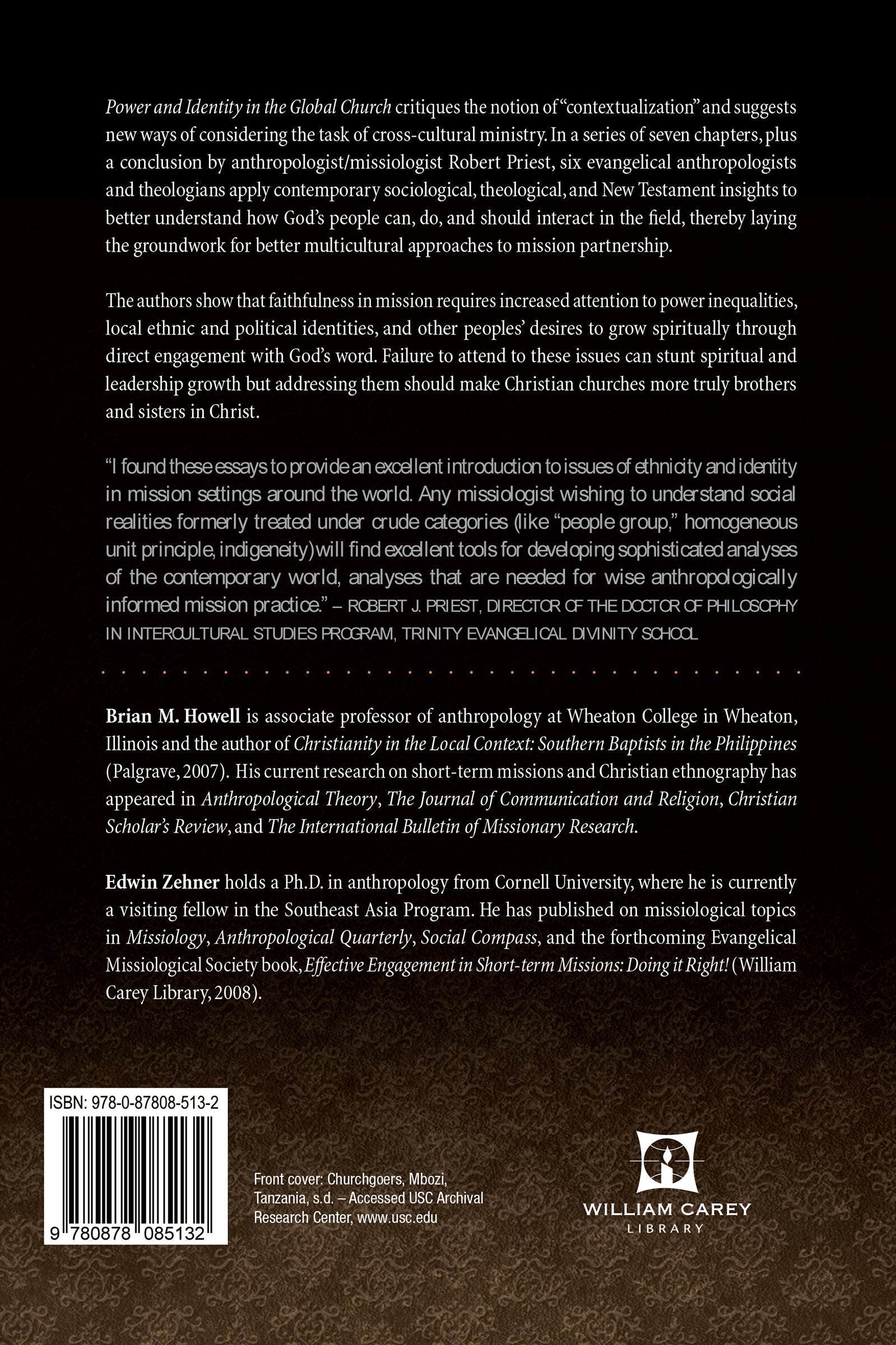
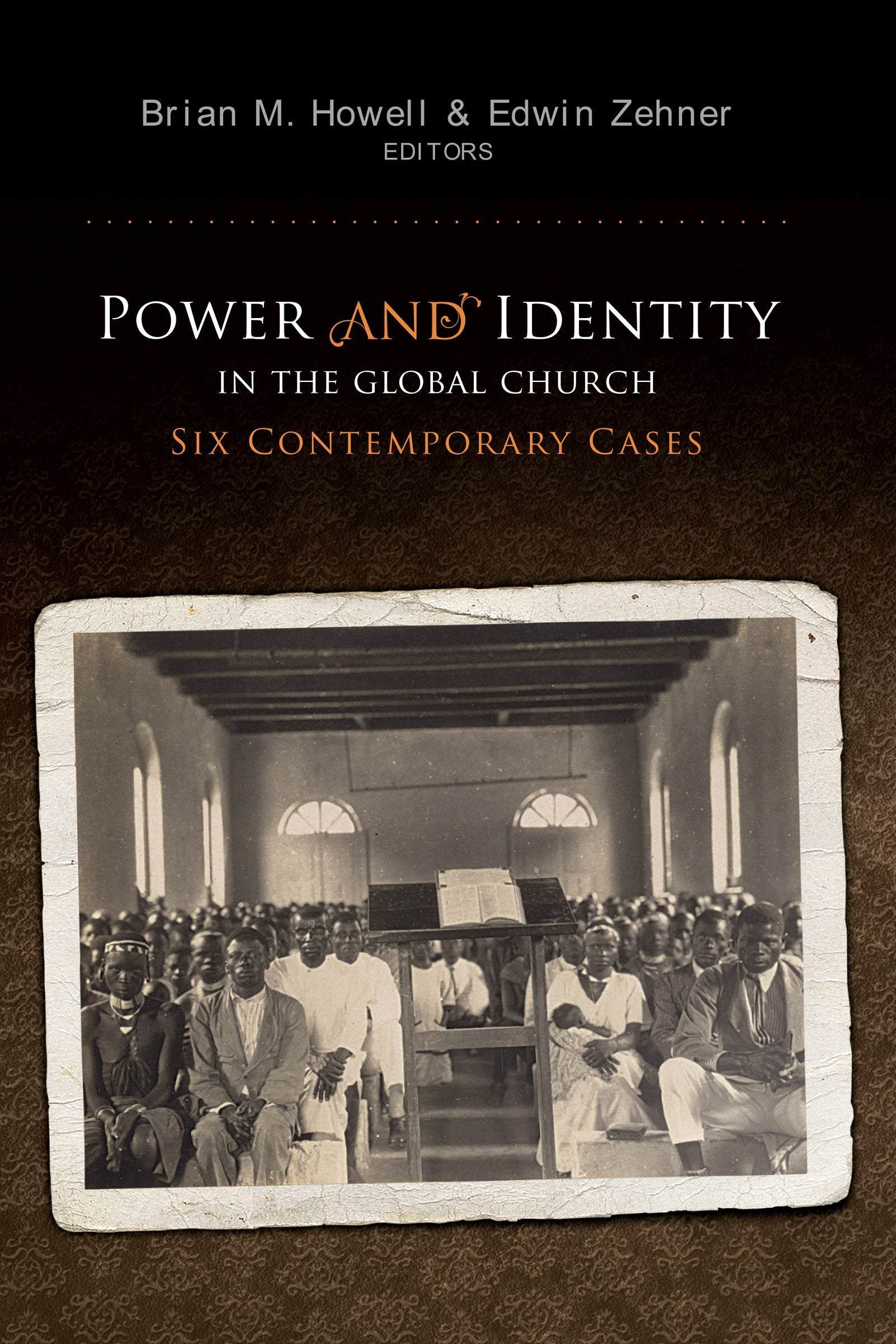
Power and Identity in the Global Church: Six Contemporary Cases applies contemporary sociological, theological, and New Testament insights to better understand how God’s people can, do, and should interact in the field, thereby laying the groundwork for better multicultural approaches to mission partnership.

The authors—six evangelical anthropologists and theologians—also show that faithfulness in mission requires increased attention to local identities, cultural themes, and concerns, including the desire to grow spiritually through direct engagement with God’s word. In this context, failure to attend to power imbalances can stunt spiritual and leadership growth. Attending to those imbalances should make Christian churches more truly brothers and sisters in Christ, equal members of the one global body of which Christ alone is the head.

  • I found these essays to provide an excellent introduction to issues of ethnicity and identity in mission settings around the world. Any missiologist wishing to understand social realities formerly treated under crude categories (like “people group,” homogeneous unit principle, indigeneity) will find excellent tools for developing sophisticated analyses of the contemporary world, analyses that are needed for wise anthropologically informed mission practice.
    — Robert J. Priest, director of the doctor of philosophy in intercultural studies program, Trinity Evangelical Divinity School

Contributors

Preface by Brian M. Howell

1. Contextualizing Context--Exploring Christian Identity in the Global Church through Six Contemporary Cases by Brian M. Howell

2. Paul in Japan: A Fresh Reading of Romans and Galatians by J. Nelson Jennings

3. Contextualization from the Ground: Longuda Lutherans in Nigeria by Todd Vanden Berg

4. Local Language and Global Faith: Choosing Church Language in the Philippines by Brian M. Howell

5. Identity Matters: Christianity and Ethnic Identity in the Peninsular Basque Country by Steven J. Ybarrola

6. Contextualization and Ethnicity: Millenarian Discourse among the Bayano Kuna in Panama by Eric J. Moeller

7. Beyond Anti-syncretism: Gospel, Context and Authority in the New Testament and in Thai Conversions to Christianity by Edwin Zehner

Afterword: Concluding Missiological Reflection by Robert J. Priest

Bibliography

Endnotes

index

Editors

  • Brian Howell
    Brian Howell

    Brian Howell is associate professor of anthropology at Wheaton College in Wheaton, Illinois and the author of Christianity in the Local Context: Southern Baptist in the Philippines (Palgrave, 2007). His current research on short-term missions and Christian ethnography has appeared in Anthropological Theory, The Journal of Communication and Religion, Christian Scholar’s Review, and The International Bulletin of Missionary Research.

  • Edwin Zehner
    Edwin Zehner

    Edwin Zehner holds a Ph.D. in Anthropology from Cornell University, where he is currently a Visiting Fellow in the Southeast Asia Program. He has published on missiological topics in Missiology, Anthropological Quarterly, Social Compass, and the forthcoming Evangelical Missiological Society book, Effective Engagement in Short-term Missions: Doing it Right! (William Carey Library, 2008).

  • Pages: 260
  • Publisher: William Carey Publishing
    William Carey Publishing
  • Binding: Paperback
  • Publish Year: 2008
  • ISBN: 9780878085132
  • Vendor: William Carey Library
Cannot place order, conditions not met:
OK