
Resources that edify, equip, and empower disciples of Jesus to make disciples of Jesus.

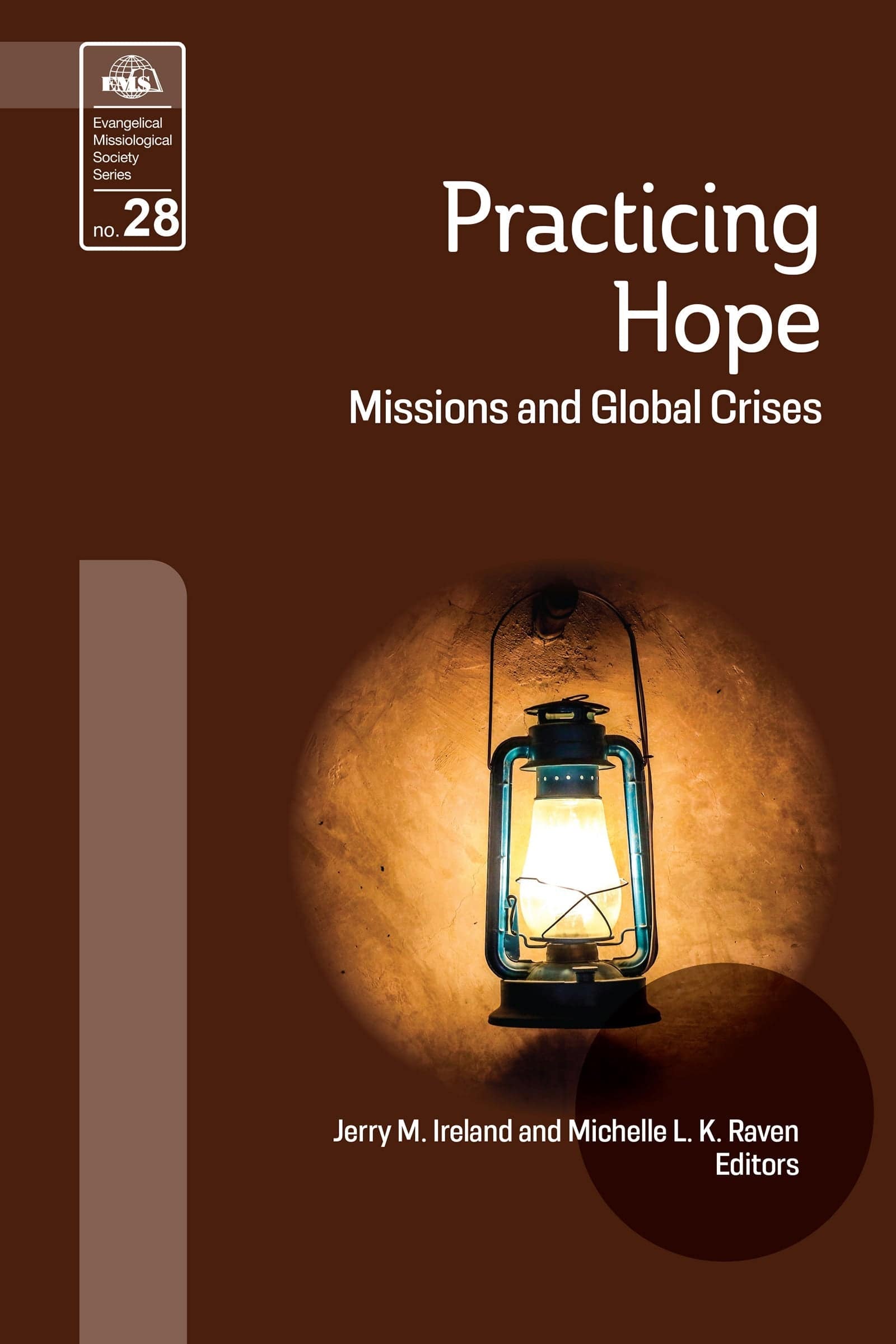
Practicing Hope (EMS 28)

Missions and Global Crises
Jerry M. Ireland and Michelle L. K. Raven, Editors

William Carey Publishing customer support: publishing@wclbooks.com
Lumina Reader technical customer support: support@luminareader.com

Getting Started

How do I purchase an eBook?
  • Go to missionbooks.org and complete checkout with the eBook(s) you would like to purchase.
  • You will receive an order confirmation email from missionbooks.org.
  • You will also receive an email with instructions for accessing your eBooks in the Lumina app.

Check your spam folder if you do not see the login code. If you do not receive the second email, contact publishing@wclbooks.com.

International users receive regional pricing when purchasing through missionbooks.org rather than through an in-app purchase.

What devices can I access my eBooks on?
  • iPhone and iPad running iOS 15.5 or later
  • Android phones and tablets running Android 8.0 or later
  • macOS desktops and laptops, using the iOS app
  • Any device with a web browser at Lumina Reader web platform

Older devices may run more slowly. Keep your device and app up to date for the best experience.

How do I download the Lumina Reader app?

Search for “Lumina Reader” in the Apple App Store or Google Play Store. Log in using the same email address you used at missionbooks.org. The app is not compatible with Amazon Kindle devices.

How do I log in to the Lumina Reader app?

Lumina Reader uses passwordless login.

  1. Open the Lumina Reader app.
  2. Enter the email address used at missionbooks.org.
  3. Check your email for a six-digit login code.
  4. Enter the code in the app.

You will remain logged in and retain access to your eBooks. If you log out, your library, reading progress, notes, and highlights remain saved, but you will need to download your eBooks again.

I can’t see my eBooks. What can I do?

Your eBooks should appear automatically when you log in with the email used at missionbooks.org. If they do not:

  • Confirm that you are using the correct email address. You can find the signed-in address on the Profile page.
  • Pull down from the top of the library screen to refresh it.
  • Update Lumina Reader through your device’s app store.

If your resources still do not appear, contact Lumina Customer Service.

Is there a Windows app for Lumina?

There is currently no Windows app. Windows users can access their eBooks through the Lumina Reader web platform.

Is there an Apple app for Lumina?

Yes. Lumina Reader is available in the Apple App Store for Mac, iPhone, and iPad.

Can the Lumina Reader app read the book aloud?

Yes. With an eBook open, tap the center of the screen to show settings. Select the megaphone icon in the top bar to read the current page aloud.

This feature is not available in the web-browser version.

Can I change the font size?

Yes. You can change font size, line height, and page margins in profile settings or within an eBook. While reading, tap the top center of the screen and select the “T” icon.

Web Version

How do I access the web version?
  1. Open Safari, Chrome, Firefox, or another preferred browser.
  2. Go to hub.luminareader.com.
  3. Log in with the email address used at missionbooks.org.
  4. Enter the six-digit code sent to your email.

Once logged in, you will have access to your eBooks.

How do I troubleshoot the web version?
  • Make sure you have a stable internet connection.
  • Clear your browser cache and cookies.
  • Use a current version of Safari, Chrome, or Firefox.
  • Confirm you are using the same email address used to purchase your eBooks.
  • Refresh your browser.

If problems persist, contact customer service.

App & Device Support

Can I download my content to multiple devices?

Yes. You can use Lumina Reader on up to six devices at the same time, provided you log in with the email address used to purchase the eBook.

To manage devices, go to Account → Registered devices in the app and unlink devices you no longer use.

  1. Install Lumina Reader from your device’s app store.
  2. Log in with the same purchase email address.
  3. Your library should sync automatically.

If access issues continue, refresh your library or log out and back in with the correct email address.

How do I check for the latest Lumina Reader app version?
  • On Apple devices, open the App Store and search for Lumina Reader.
  • On Android devices, open Google Play and search for Lumina Reader.

If an update is available, select Update. If issues remain, try deleting and reinstalling the app. Your eBooks and reading progress are saved to your account, but you will need to download the eBooks again.

How do I delete my Lumina Reader account?

Warning: Deleting your account is permanent. You will lose access to your account activity, preferences, and eBooks.

  1. Open the Lumina Reader app.
  2. Open the Profile tab in the lower-right corner, then select Account.
  3. Scroll to the bottom, select Delete account, confirm the checkboxes, then select Continue and delete account.

Some information may be retained for lawful reasons, including fraud prevention and accounting.

Can I get a refund for an eBook?

If you ordered an eBook by mistake, do not download it in the Lumina app. William Carey Publishing can then cancel the order and issue a full refund.

If you have downloaded it, access can still be removed and the order cancelled, but processing may take longer.

Can I buy an eBook as a gift for someone else?
  • Enter the recipient’s email address when purchasing the book.
  • The recipient will receive an email with download instructions.
  • For multiple recipients, purchase each book separately using each recipient’s email address.


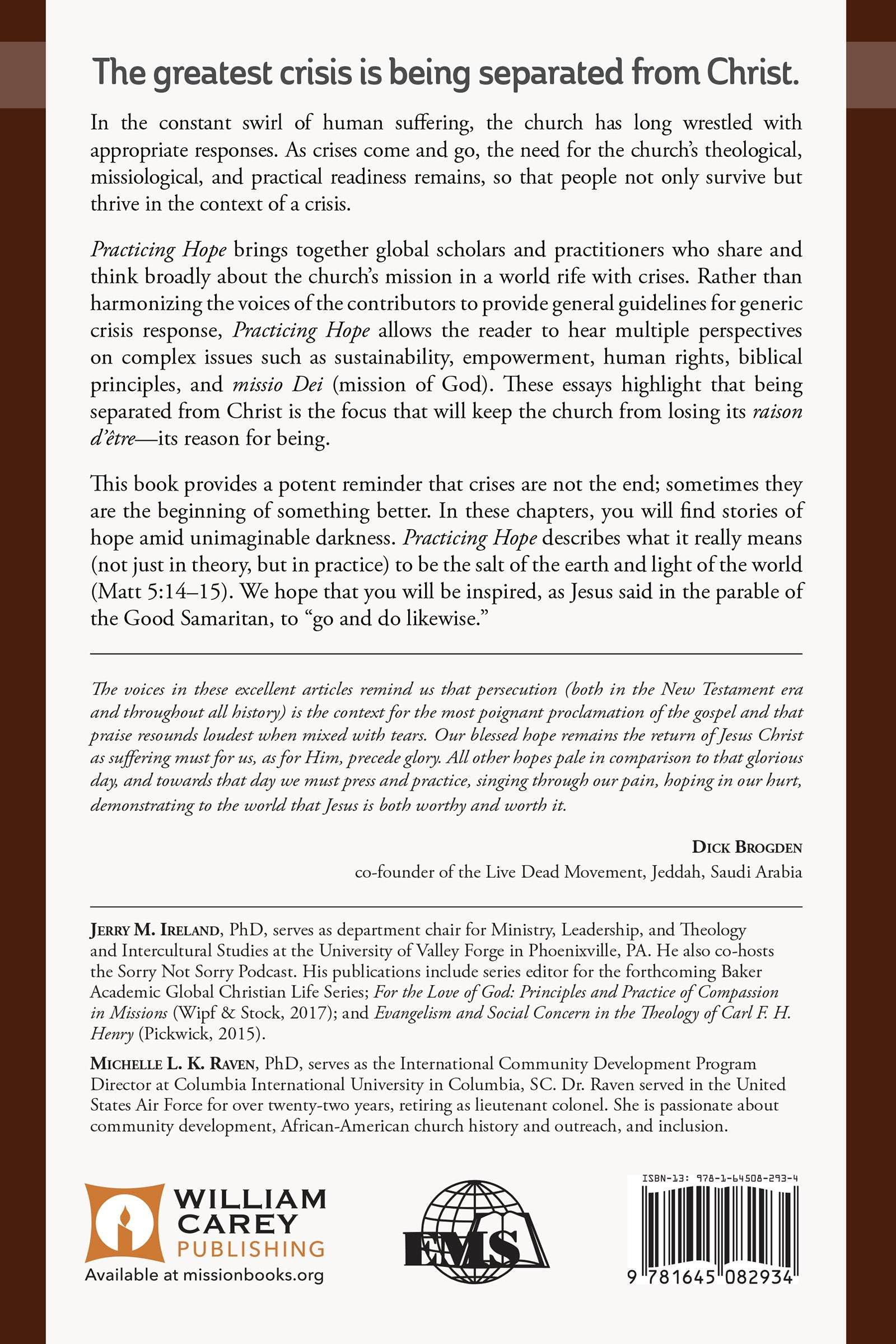
The Greatest Crisis is Being Separated From Christ.

In the constant swirl of human suffering, the church has long wrestled with appropriate responses. As crises come and go, the need for the church’s theological, missiological, and practical readiness remains, so that people not only survive but thrive in the context of a crisis. 

Practicing Hope brings together global scholars and practitioners who share and think broadly about the church’s mission in a world rife with crises. Rather than harmonizing the voices of the contributors to provide general guidelines for generic crisis response, Practicing Hope allows the reader to hear multiple perspectives on complex issues such as sustainability, empowerment, human rights, biblical principles, and missio Dei (mission of God). These essays highlight that being separated from Christ is the focus that will keep the church from losing its raison d’être—its reason for being. 

This book provides a potent reminder that crises are not the end; sometimes they are the beginning of something better. In these chapters, you will find stories of hope amid unimaginable darkness. Practicing Hope describes what it really means (not just in theory, but in practice) to be the salt of the earth and light of the world (Matt 5:14–15). We hope that you will be inspired, as Jesus said in the pArable of the Good Samaritan, to “go and do likewise."

Read a Free Sample (PDF)


Foreword

Sadiri “Joy” Tira 

Introduction

Jerry Michael Ireland

Chapter 1-Singing about Suffering: A Vernacular Theology of the Cross in Nigeria’s Middle Belt

Zachariah Chinne and Kenneth Nehrbass

Chapter 2-The Church as a Refuge and Christ’s Healing Work in the Middle East

Daniel W. O’Neill

Chapter 3-From the Classroom to the Disaster: Developing DREM Missionaries

Michelle Raven 

Chapter 4-Straddling the (Razor-wire Topped) Wall: How Women’s Prison Informs Mission to Tijuana in a Time of Crisis

Linda Barkman

Chapter 5-Mission Amid the Crisis of Persecution: Challenges and Guidelines for Research and Training

J. D. Payne

Chapter 6-A Firebird Rises: Ukrainian Christian Unity Forged from a Modern Crisis

Marc T. Canner

Chapter 7-Dying to Witness: Early Franciscan Missions to the Muslim World

Robert L. Gallagher

Chapter 8-Contextual African Concepts for Peacebuilding in Contexts of Violence: A Panoramic Overview

Uchenna D. Anyanwu

Chapter 9-Mission Amid Sixth-century Crises: Reflections on Gregory the Great, the Mission to England, and Thoughts for Today

Edward L. Smither

Chapter 10-Grace, Suffering, and the City in the Theology of a Chinese House Church Movement

Hannah Nation

Chapter 11-Contextualization of the Gospel for North Korean Ideology: Engaging with North Korean Refugees

Robert Holmes and Eunice Hong

Chapter 12-Terror Management Theory: Missiological Applications in Times of Crisis

Dave Dunaetz

Contributors

Author

  • Michelle L. K. Raven
  • Pages: 216
  • Publisher: William Carey Publishing
    William Carey Publishing
  • Binding: paperback
  • Publish Year: 2020
  • ISBN: 9781645082934
  • Vendor: William Carey Publishing
Cannot place order, conditions not met:
OK