
Resources that edify, equip, and empower disciples of Jesus to make disciples of Jesus.

Scripture and Strategy

David J. Hesselgrave

David J. Hesselgrave (1924-2018) was a Professor of Mission at Trinity Evangelical Divinity School and the cofounder (with Donald A. McGavran) of the Evangelical Missiological Society. He was an ordained minister in the Evangelical Free Church of America and served as a missionary in Japan for twelve years. He authored numerous books and articles including Contextualization: Meanings, Methods, and Models and Paradigms in Conflict: 15 Key Questions in Christian Missions Today.

William Carey Publishing customer support: publishing@wclbooks.com
Lumina Reader technical customer support: support@luminareader.com

Getting Started

How do I purchase an eBook?
  • Go to missionbooks.org and complete checkout with the eBook(s) you would like to purchase.
  • You will receive an order confirmation email from missionbooks.org.
  • You will also receive an email with instructions for accessing your eBooks in the Lumina app.

Check your spam folder if you do not see the login code. If you do not receive the second email, contact publishing@wclbooks.com.

International users receive regional pricing when purchasing through missionbooks.org rather than through an in-app purchase.

What devices can I access my eBooks on?
  • iPhone and iPad running iOS 15.5 or later
  • Android phones and tablets running Android 8.0 or later
  • macOS desktops and laptops, using the iOS app
  • Any device with a web browser at Lumina Reader web platform

Older devices may run more slowly. Keep your device and app up to date for the best experience.

How do I download the Lumina Reader app?

Search for “Lumina Reader” in the Apple App Store or Google Play Store. Log in using the same email address you used at missionbooks.org. The app is not compatible with Amazon Kindle devices.

How do I log in to the Lumina Reader app?

Lumina Reader uses passwordless login.

  1. Open the Lumina Reader app.
  2. Enter the email address used at missionbooks.org.
  3. Check your email for a six-digit login code.
  4. Enter the code in the app.

You will remain logged in and retain access to your eBooks. If you log out, your library, reading progress, notes, and highlights remain saved, but you will need to download your eBooks again.

I can’t see my eBooks. What can I do?

Your eBooks should appear automatically when you log in with the email used at missionbooks.org. If they do not:

  • Confirm that you are using the correct email address. You can find the signed-in address on the Profile page.
  • Pull down from the top of the library screen to refresh it.
  • Update Lumina Reader through your device’s app store.

If your resources still do not appear, contact Lumina Customer Service.

Is there a Windows app for Lumina?

There is currently no Windows app. Windows users can access their eBooks through the Lumina Reader web platform.

Is there an Apple app for Lumina?

Yes. Lumina Reader is available in the Apple App Store for Mac, iPhone, and iPad.

Can the Lumina Reader app read the book aloud?

Yes. With an eBook open, tap the center of the screen to show settings. Select the megaphone icon in the top bar to read the current page aloud.

This feature is not available in the web-browser version.

Can I change the font size?

Yes. You can change font size, line height, and page margins in profile settings or within an eBook. While reading, tap the top center of the screen and select the “T” icon.

Web Version

How do I access the web version?
  1. Open Safari, Chrome, Firefox, or another preferred browser.
  2. Go to hub.luminareader.com.
  3. Log in with the email address used at missionbooks.org.
  4. Enter the six-digit code sent to your email.

Once logged in, you will have access to your eBooks.

How do I troubleshoot the web version?
  • Make sure you have a stable internet connection.
  • Clear your browser cache and cookies.
  • Use a current version of Safari, Chrome, or Firefox.
  • Confirm you are using the same email address used to purchase your eBooks.
  • Refresh your browser.

If problems persist, contact customer service.

App & Device Support

Can I download my content to multiple devices?

Yes. You can use Lumina Reader on up to six devices at the same time, provided you log in with the email address used to purchase the eBook.

To manage devices, go to Account → Registered devices in the app and unlink devices you no longer use.

  1. Install Lumina Reader from your device’s app store.
  2. Log in with the same purchase email address.
  3. Your library should sync automatically.

If access issues continue, refresh your library or log out and back in with the correct email address.

How do I check for the latest Lumina Reader app version?
  • On Apple devices, open the App Store and search for Lumina Reader.
  • On Android devices, open Google Play and search for Lumina Reader.

If an update is available, select Update. If issues remain, try deleting and reinstalling the app. Your eBooks and reading progress are saved to your account, but you will need to download the eBooks again.

How do I delete my Lumina Reader account?

Warning: Deleting your account is permanent. You will lose access to your account activity, preferences, and eBooks.

  1. Open the Lumina Reader app.
  2. Open the Profile tab in the lower-right corner, then select Account.
  3. Scroll to the bottom, select Delete account, confirm the checkboxes, then select Continue and delete account.

Some information may be retained for lawful reasons, including fraud prevention and accounting.

Can I get a refund for an eBook?

If you ordered an eBook by mistake, do not download it in the Lumina app. William Carey Publishing can then cancel the order and issue a full refund.

If you have downloaded it, access can still be removed and the order cancelled, but processing may take longer.

Can I buy an eBook as a gift for someone else?
  • Enter the recipient’s email address when purchasing the book.
  • The recipient will receive an email with download instructions.
  • For multiple recipients, purchase each book separately using each recipient’s email address.

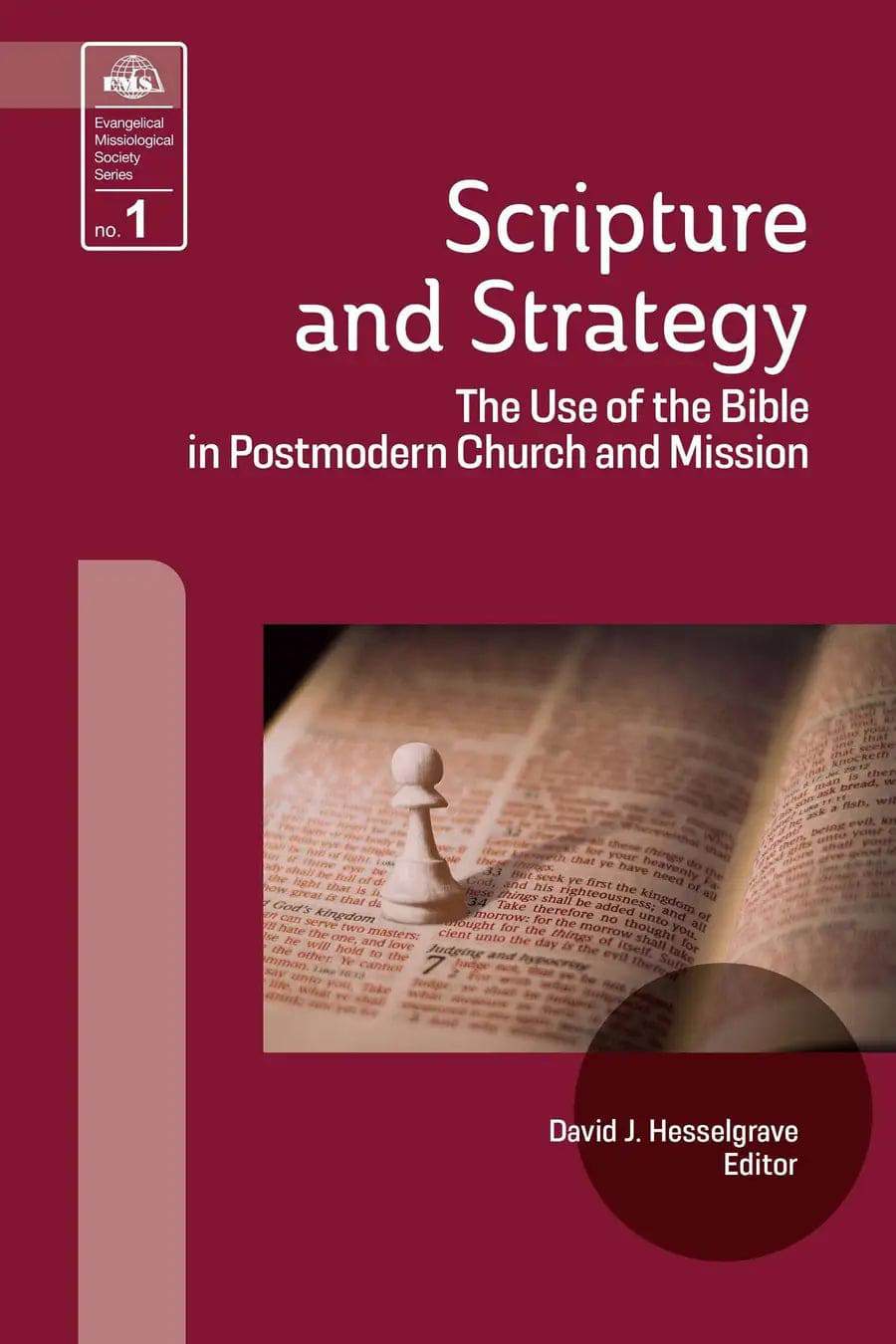
The Use of the Bible in Postmodern Church and Mission

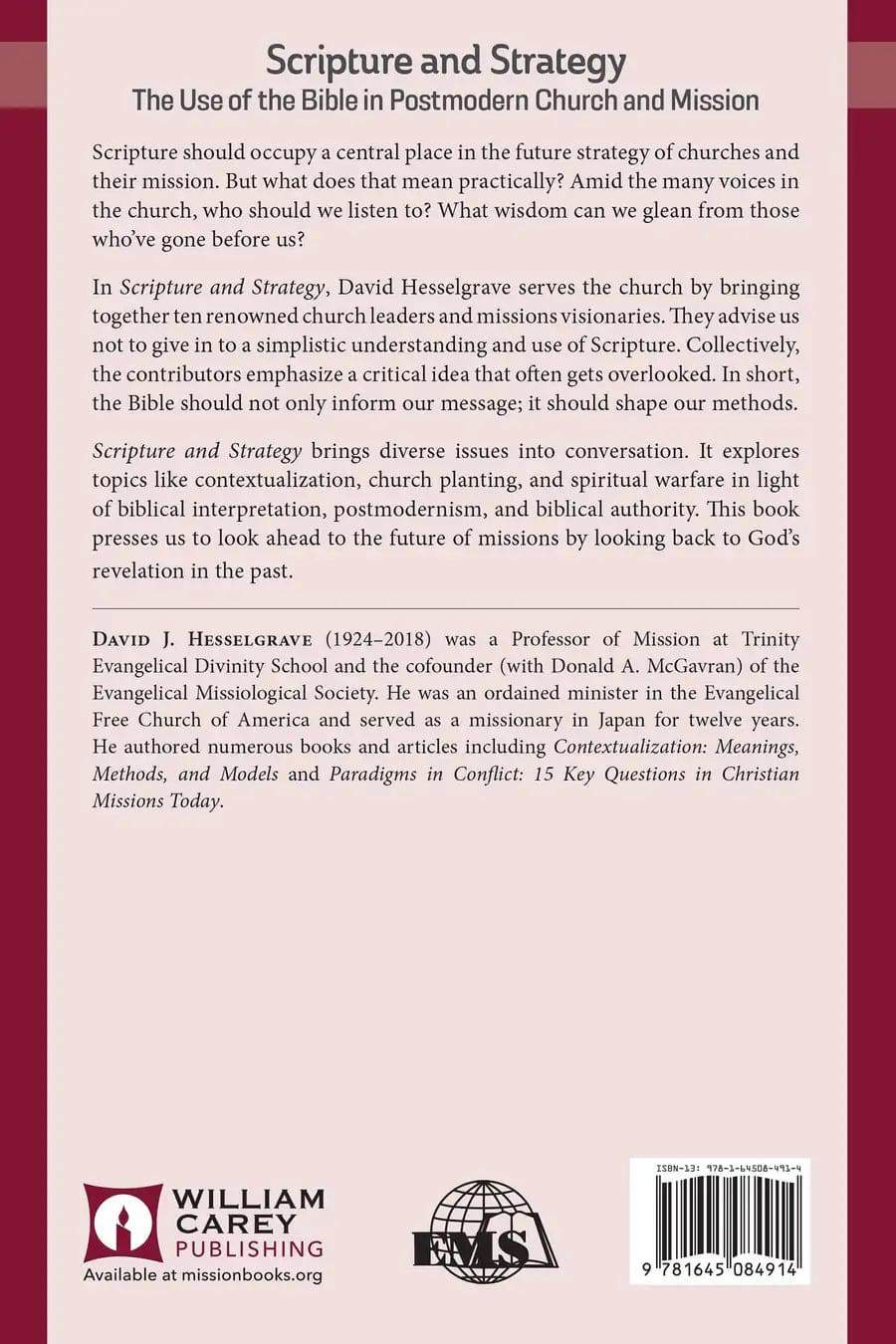
Scripture should occupy a central place in the future strategy of churches and their mission. But what does that mean practically? Amid the many voices in the church, who should we listen to? What wisdom can we glean from those who’ve gone before us?

In Scripture and Strategy, David Hesselgrave serves the church by bringing together ten renowned church leaders and missions visionaries. They advise us not to give in to a simplistic understanding and use of Scripture. Collectively, the contributors emphasize a critical idea that often gets overlooked. In short, the Bible should not only inform our message; it should shape our methods.

Scripture and Strategy brings diverse issues into conversation. It explores topics like contextualization, church planting, and spiritual warfare in light of biblical interpretation, postmodernism, and biblical authority. This book presses us to look ahead to the future of missions by looking back to God’s revelation in the past.

Evangelical Missiological Society Book 1

  • Dr. Hesselgrave helps us understand the discussions on hermeneutics, contextualization, discipling and training, and shows the underlying unity that lies in starting with a high view of Scripture. His work provides and agenda for missiology in the 21st century.
    — The late Paul G. HiebertProfessor, Fuller Theological Seminary and Trinity Evangelical Divinity School
  • David Hesselgrave is a doer's thinker. Based on his background of field ministry in Japan and extensive observation of the world's mission scene, he has produced a series of foundational texts to guide practitioners. Scripture and Strategy constitutes a strong call to build the future of missions on the only effective foundation: the Word of God.
    — Michael PocockProfessor, Dallas Theological Seminary

Foreword to the Series

Foreword to Scripture and Strategy

Acknowledgments

Part I. Introduction

1. Back to the Future

Part II. The Place of the Bible in Christian Thought

2. Carl F. H. Henry: Recovering Biblical Authority

3. Erich Sauer: Rediscovering Biblical Theology

4. William J. Larkin, Jr.: Rethinking Biblical Interpretation

5. Paul G. Hiebert: Revisiting Contextualization

Part III. The Place of the Bible in Christian Ministry

6. Hans-Ruedi Weber: Confronting the World with the Gospel

7. Trevor McIlwain: Confirming Believers in the Christian Faith

8. Timothy M. Warner: Counseling Chrisitans Concerning Spiritual Warfare

9. John Piper: Challenging the Church to Christian Mission

10. Ralph D. Winter: Consecrating and Training Future Leaders

Part IV: Conclusion

11. Forward to the Future

Bibliography

Author

  • David J. Hesselgrave
    David J. Hesselgrave

    David J. Hesselgrave (1924-2018) was a Professor of Mission at Trinity Evangelical Divinity School and the cofounder (with Donald A. McGavran) of the Evangelical Missiological Society. He was an ordained minister in the Evangelical Free Church of America and served as a missionary in Japan for twelve years. He authored numerous books and articles including Contextualization: Meanings, Methods, and Models and Paradigms in Conflict: 15 Key Questions in Christian Missions Today.

  • Pages: 208
  • Publisher: William Carey Publishing
    William Carey Publishing
  • Binding: Paperback
  • Publish Year: 1994
  • ISBN: 9781645084914
  • Vendor: William Carey Publishing
Cannot place order, conditions not met:
OK