
Resources that edify, equip, and empower disciples of Jesus to make disciples of Jesus.

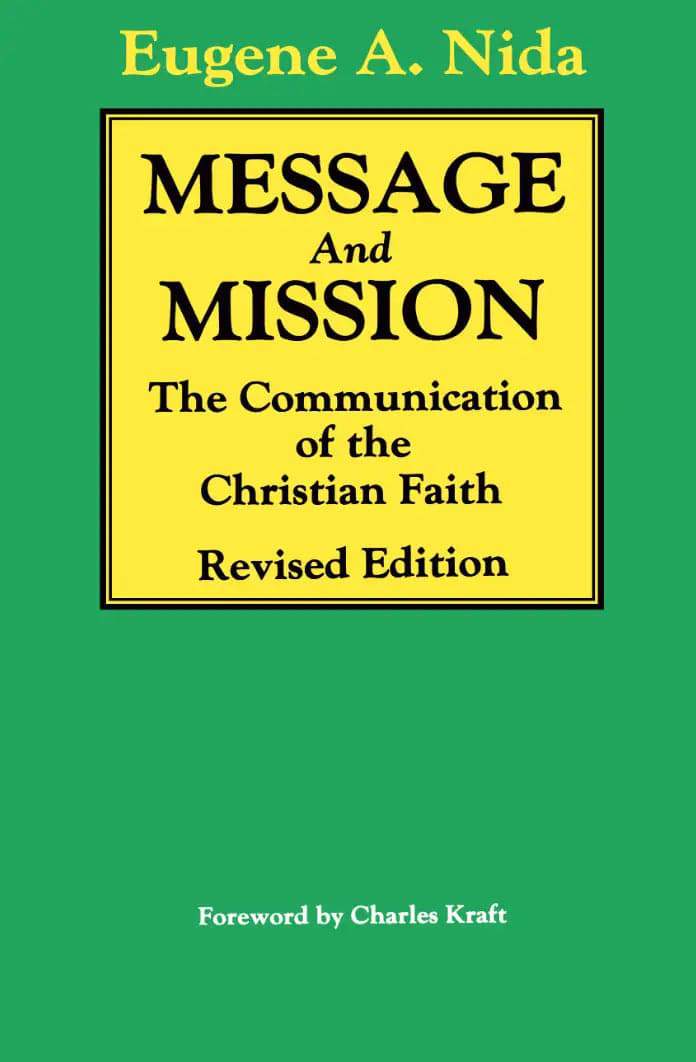
Message and Mission (Revised Edition)

The Communication of the Christian Faith
Eugene A. Nida
Eugene A. Nida

Eugene A. Nida (November 11, 1914 – August 25, 2011) was an American linguist who developed the dynamic-equivalence Bible-translation theory and was one of the founders of the modern discipline of translation studies. He received his PhD in Linguistics from the University of Michigan and was an ordained Baptist minister. Dr. Nida was a consultant on translations for the American Bible Society and the United Bible Societies. He worked in more than 85 different countries with translators producing texts in more than 200 languages. He is the author of over 30 books on translation, linguistics, anthropology, and missions, and through the years contributed to numerous scientific journals.

William Carey Publishing customer support: publishing@wclbooks.com
Lumina Reader technical customer support: support@luminareader.com

Getting Started

How do I purchase an eBook?
  • Go to missionbooks.org and complete checkout with the eBook(s) you would like to purchase.
  • You will receive an order confirmation email from missionbooks.org.
  • You will also receive an email with instructions for accessing your eBooks in the Lumina app.

Check your spam folder if you do not see the login code. If you do not receive the second email, contact publishing@wclbooks.com.

International users receive regional pricing when purchasing through missionbooks.org rather than through an in-app purchase.

What devices can I access my eBooks on?
  • iPhone and iPad running iOS 15.5 or later
  • Android phones and tablets running Android 8.0 or later
  • macOS desktops and laptops, using the iOS app
  • Any device with a web browser at Lumina Reader web platform

Older devices may run more slowly. Keep your device and app up to date for the best experience.

How do I download the Lumina Reader app?

Search for “Lumina Reader” in the Apple App Store or Google Play Store. Log in using the same email address you used at missionbooks.org. The app is not compatible with Amazon Kindle devices.

How do I log in to the Lumina Reader app?

Lumina Reader uses passwordless login.

  1. Open the Lumina Reader app.
  2. Enter the email address used at missionbooks.org.
  3. Check your email for a six-digit login code.
  4. Enter the code in the app.

You will remain logged in and retain access to your eBooks. If you log out, your library, reading progress, notes, and highlights remain saved, but you will need to download your eBooks again.

I can’t see my eBooks. What can I do?

Your eBooks should appear automatically when you log in with the email used at missionbooks.org. If they do not:

  • Confirm that you are using the correct email address. You can find the signed-in address on the Profile page.
  • Pull down from the top of the library screen to refresh it.
  • Update Lumina Reader through your device’s app store.

If your resources still do not appear, contact Lumina Customer Service.

Is there a Windows app for Lumina?

There is currently no Windows app. Windows users can access their eBooks through the Lumina Reader web platform.

Is there an Apple app for Lumina?

Yes. Lumina Reader is available in the Apple App Store for Mac, iPhone, and iPad.

Can the Lumina Reader app read the book aloud?

Yes. With an eBook open, tap the center of the screen to show settings. Select the megaphone icon in the top bar to read the current page aloud.

This feature is not available in the web-browser version.

Can I change the font size?

Yes. You can change font size, line height, and page margins in profile settings or within an eBook. While reading, tap the top center of the screen and select the “T” icon.

Web Version

How do I access the web version?
  1. Open Safari, Chrome, Firefox, or another preferred browser.
  2. Go to hub.luminareader.com.
  3. Log in with the email address used at missionbooks.org.
  4. Enter the six-digit code sent to your email.

Once logged in, you will have access to your eBooks.

How do I troubleshoot the web version?
  • Make sure you have a stable internet connection.
  • Clear your browser cache and cookies.
  • Use a current version of Safari, Chrome, or Firefox.
  • Confirm you are using the same email address used to purchase your eBooks.
  • Refresh your browser.

If problems persist, contact customer service.

App & Device Support

Can I download my content to multiple devices?

Yes. You can use Lumina Reader on up to six devices at the same time, provided you log in with the email address used to purchase the eBook.

To manage devices, go to Account → Registered devices in the app and unlink devices you no longer use.

  1. Install Lumina Reader from your device’s app store.
  2. Log in with the same purchase email address.
  3. Your library should sync automatically.

If access issues continue, refresh your library or log out and back in with the correct email address.

How do I check for the latest Lumina Reader app version?
  • On Apple devices, open the App Store and search for Lumina Reader.
  • On Android devices, open Google Play and search for Lumina Reader.

If an update is available, select Update. If issues remain, try deleting and reinstalling the app. Your eBooks and reading progress are saved to your account, but you will need to download the eBooks again.

How do I delete my Lumina Reader account?

Warning: Deleting your account is permanent. You will lose access to your account activity, preferences, and eBooks.

  1. Open the Lumina Reader app.
  2. Open the Profile tab in the lower-right corner, then select Account.
  3. Scroll to the bottom, select Delete account, confirm the checkboxes, then select Continue and delete account.

Some information may be retained for lawful reasons, including fraud prevention and accounting.

Can I get a refund for an eBook?

If you ordered an eBook by mistake, do not download it in the Lumina app. William Carey Publishing can then cancel the order and issue a full refund.

If you have downloaded it, access can still be removed and the order cancelled, but processing may take longer.

Can I buy an eBook as a gift for someone else?
  • Enter the recipient’s email address when purchasing the book.
  • The recipient will receive an email with download instructions.
  • For multiple recipients, purchase each book separately using each recipient’s email address.
How can the church meaningfully and intelligently engage cultures with Christianity?

Eugene Nida, a leading scholar and devout Christian, presents a thorough study of the means and methods which best communicate Christianity to people of diverse backgrounds. Dr. Nida is uniquely equipped to write this book. He is a well-known specialist in linguistics, anthropology studies, and the interpretation of the Christian faith, who worked with missionaries on translation problems for over thirty years.

  • One measure of the remarkable character of this book is the fact that it is still the most ambitious and so far, the most comprehensive attempt by an American to analyze both the technical and theological requirements of Christian communication. Indispensable for everyone seriously interested in making sense in a multi-cultural world.

    James A. ShererProfessor of World Mission, Lutheran School of Theology, Chicago

  • Nida’s Message and Mission is the most useful of his many writings. It is not only the finest book known to me on the exciting, complex task of the communication of the Christian faith, but throws a great deal of light on the Scriptures themselves. My feelings cannot be exaggerated: not just cross-cultural workers, but every seminarian out to digest this book.

    Louis J. Luzbetak, S.V.D.Author, The Church and Cultures

Foreword

Preface to the Revised Edition

1. An Introduction to Communication

2. The Theological Basis of Communication

3. The Structure of Communication

4. Form and Meaning in Communication

5. Language as Code System and Information

6. Language Symbols and Meaning

7. Message and Media

8. The Dynamics of Communication

9. Scripture Translation and Revision as Techniques of Communication

10. The Structure of Societies

11. Communication and Social Structure

12. Psychological Relationships in Communication

13. Religion and Communication

14. Religious Symbolism and Behavior

15. Christian Movements

Bibliography

Index

About the Author

Author

  • Eugene A. Nida
    Eugene A. Nida

    Eugene A. Nida (November 11, 1914 – August 25, 2011) was an American linguist who developed the dynamic-equivalence Bible-translation theory and was one of the founders of the modern discipline of translation studies. He received his PhD in Linguistics from the University of Michigan and was an ordained Baptist minister. Dr. Nida was a consultant on translations for the American Bible Society and the United Bible Societies. He worked in more than 85 different countries with translators producing texts in more than 200 languages. He is the author of over 30 books on translation, linguistics, anthropology, and missions, and through the years contributed to numerous scientific journals.

  • Pages: 320
  • Publisher: William Carey Publishing
    William Carey Publishing
  • Binding: Paperback
  • Publish Year: 1990
  • ISBN: 9780878087563
  • Vendor: William Carey Library
Cannot place order, conditions not met:
OK