

Resources that edify, equip, and empower disciples of Jesus to make disciples of Jesus.

Christian Witness in Pluralistic Contexts

Enoch Wan
Enoch Wan

Enoch Wan is currently the research professor of intercultural studies and director of the PhD/EdD/DIS Programs at Western Seminary, Portland. He is a past president of the Evangelical Missiological Society, as well as the founder and advisor of GlobalMissiology.org. He is also a board member of the Worldwide Bible Society (USA) and the Tien Dao Christian Media Association.

Browse Available Books by Enoch Wan:

William Carey Publishing customer support: publishing@wclbooks.com
Lumina Reader technical customer support: support@luminareader.com

Getting Started

How do I purchase an eBook?
  • Go to missionbooks.org and complete checkout with the eBook(s) you would like to purchase.
  • You will receive an order confirmation email from missionbooks.org.
  • You will also receive an email with instructions for accessing your eBooks in the Lumina app.

Check your spam folder if you do not see the login code. If you do not receive the second email, contact publishing@wclbooks.com.

International users receive regional pricing when purchasing through missionbooks.org rather than through an in-app purchase.

What devices can I access my eBooks on?
  • iPhone and iPad running iOS 15.5 or later
  • Android phones and tablets running Android 8.0 or later
  • macOS desktops and laptops, using the iOS app
  • Any device with a web browser at Lumina Reader web platform

Older devices may run more slowly. Keep your device and app up to date for the best experience.

How do I download the Lumina Reader app?

Search for “Lumina Reader” in the Apple App Store or Google Play Store. Log in using the same email address you used at missionbooks.org. The app is not compatible with Amazon Kindle devices.

How do I log in to the Lumina Reader app?

Lumina Reader uses passwordless login.

  1. Open the Lumina Reader app.
  2. Enter the email address used at missionbooks.org.
  3. Check your email for a six-digit login code.
  4. Enter the code in the app.

You will remain logged in and retain access to your eBooks. If you log out, your library, reading progress, notes, and highlights remain saved, but you will need to download your eBooks again.

I can’t see my eBooks. What can I do?

Your eBooks should appear automatically when you log in with the email used at missionbooks.org. If they do not:

  • Confirm that you are using the correct email address. You can find the signed-in address on the Profile page.
  • Pull down from the top of the library screen to refresh it.
  • Update Lumina Reader through your device’s app store.

If your resources still do not appear, contact Lumina Customer Service.

Is there a Windows app for Lumina?

There is currently no Windows app. Windows users can access their eBooks through the Lumina Reader web platform.

Is there an Apple app for Lumina?

Yes. Lumina Reader is available in the Apple App Store for Mac, iPhone, and iPad.

Can the Lumina Reader app read the book aloud?

Yes. With an eBook open, tap the center of the screen to show settings. Select the megaphone icon in the top bar to read the current page aloud.

This feature is not available in the web-browser version.

Can I change the font size?

Yes. You can change font size, line height, and page margins in profile settings or within an eBook. While reading, tap the top center of the screen and select the “T” icon.

Web Version

How do I access the web version?
  1. Open Safari, Chrome, Firefox, or another preferred browser.
  2. Go to hub.luminareader.com.
  3. Log in with the email address used at missionbooks.org.
  4. Enter the six-digit code sent to your email.

Once logged in, you will have access to your eBooks.

How do I troubleshoot the web version?
  • Make sure you have a stable internet connection.
  • Clear your browser cache and cookies.
  • Use a current version of Safari, Chrome, or Firefox.
  • Confirm you are using the same email address used to purchase your eBooks.
  • Refresh your browser.

If problems persist, contact customer service.

App & Device Support

Can I download my content to multiple devices?

Yes. You can use Lumina Reader on up to six devices at the same time, provided you log in with the email address used to purchase the eBook.

To manage devices, go to Account → Registered devices in the app and unlink devices you no longer use.

  1. Install Lumina Reader from your device’s app store.
  2. Log in with the same purchase email address.
  3. Your library should sync automatically.

If access issues continue, refresh your library or log out and back in with the correct email address.

How do I check for the latest Lumina Reader app version?
  • On Apple devices, open the App Store and search for Lumina Reader.
  • On Android devices, open Google Play and search for Lumina Reader.

If an update is available, select Update. If issues remain, try deleting and reinstalling the app. Your eBooks and reading progress are saved to your account, but you will need to download the eBooks again.

How do I delete my Lumina Reader account?

Warning: Deleting your account is permanent. You will lose access to your account activity, preferences, and eBooks.

  1. Open the Lumina Reader app.
  2. Open the Profile tab in the lower-right corner, then select Account.
  3. Scroll to the bottom, select Delete account, confirm the checkboxes, then select Continue and delete account.

Some information may be retained for lawful reasons, including fraud prevention and accounting.

Can I get a refund for an eBook?

If you ordered an eBook by mistake, do not download it in the Lumina app. William Carey Publishing can then cancel the order and issue a full refund.

If you have downloaded it, access can still be removed and the order cancelled, but processing may take longer.

Can I buy an eBook as a gift for someone else?
  • Enter the recipient’s email address when purchasing the book.
  • The recipient will receive an email with download instructions.
  • For multiple recipients, purchase each book separately using each recipient’s email address.
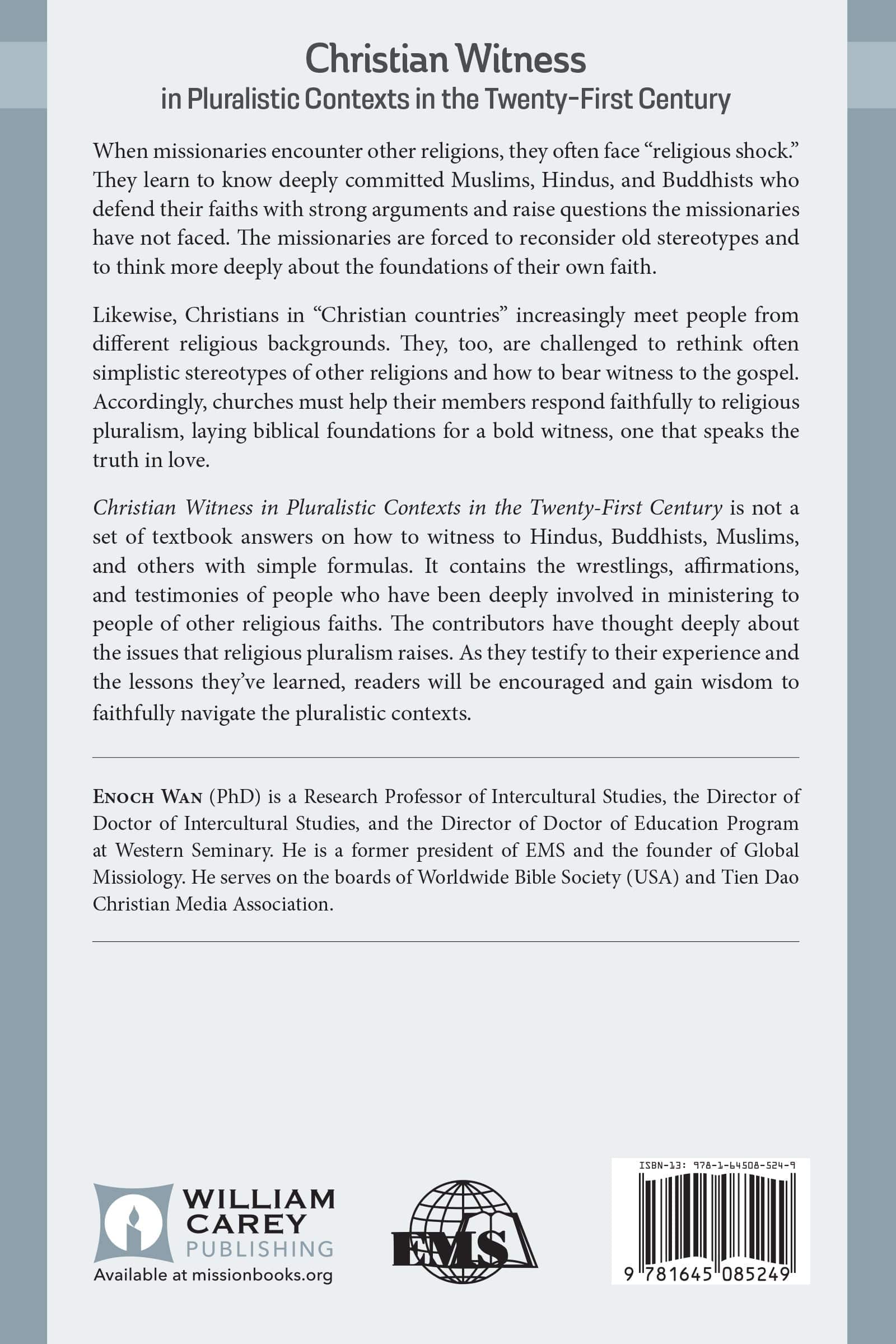
When missionaries encounter other religions, they often face “religious shock.” They learn to know deeply committed Muslims, Hindus, and Buddhists who defend their faiths with strong arguments and raise questions the missionaries have not faced. The missionaries are forced to reconsider old stereotypes and to think more deeply about the foundations of their own faith.

Likewise, Christians in “Christian countries” increasingly meet people from different religious backgrounds. They, too, are challenged to rethink often simplistic stereotypes of other religions and how to bear witness to the gospel. Accordingly, churches must help their members respond faithfully to religious pluralism, laying biblical foundations for a bold witness, one that speaks the truth in love.

Christian Witness in Pluralistic Contexts in the Twenty-First Century is not a set of textbook answers on how to witness to Hindus, Buddhists, Muslims, and others with simple formulas. It contains the wrestlings, affirmations, and testimonies of people who have been deeply involved in ministering to people of other religious faiths. The contributors have thought deeply about the issues that religious pluralism raises. As they testify to their experience and the lessons they’ve learned, readers will be encouraged and gain wisdom to faithfully navigate the pluralistic contexts.

Evangelical Missiological Society- Book 11

Author Profiles

Forward by Paul Hiebert

Introduction by Enoch Wan

I. THE CONTEXT OF MAJOR NON-CHRISTIAN

RELIGIONS

1. A Missiological Approach to Non-Christian Religions by Ralph Winter

2. The Christian Response to Islam by J. Dudley Woodberry

3. Christology in the Qur 'an and its Implications for Witness to Muslim by Timothy C. Tennent

4. Context-specific Theological Reflections: Premillenialism between Iraq and a Hard Place by Mark A. Harlan

5. The Christian Response to Hinduism by Paul G. Hiebert

A Mission Executive's Response by Joel Mathai

6. The Christian Response to Buddhism by Alex G. Smith

A Response byPatrick Cate

CHRISTIAN WITNESS IN PLURALISTIC CONTEXTS

II. THE CONTEXT OF FOLK RELIGIONS

7. Evangelizing Folk Religionists by Gailyn Van Rheenen

8. The Christian Response to Chinese Folk Religion by Enoch Wan

9. The Christian Response to African Traditional Religion by Tite Tienou

III. THE CONTEXT OF NEW RELIGIOUS MOVEMENTS

10. Does the Church Produce New Religious Movements? by Cecil Stalnaker

11. Transforming Evangelical Responses to New Religion(s): Missions and Counter-Cult in Partnership by John W. Morehead

Author

  • Enoch Wan
    Enoch Wan

    Enoch Wan is currently the research professor of intercultural studies and director of the PhD/EdD/DIS Programs at Western Seminary, Portland. He is a past president of the Evangelical Missiological Society, as well as the founder and advisor of GlobalMissiology.org. He is also a board member of the Worldwide Bible Society (USA) and the Tien Dao Christian Media Association.

    Browse Available Books by Enoch Wan:

  • Pages: 274
  • Publisher: William Carey Publishing
    William Carey Publishing
  • Binding: Paperback
  • Publish Year: 2003
  • ISBN: 9781645085249
  • Vendor: William Carey Library
Cannot place order, conditions not met:
OK